"Uhh English is my 3rd language and I don't know how to spell tortus. is there a QR code I can scan?"
"What's your wifi password?"
"It's written right there on the fridge"
(I have a horrible short term memory and struggle with short phrases)
When I walk back to my desk, my phone locks (due to time out or intentional habit of keeping it locked). Then I have to tap buttons to unlock phone, launch the photo app, and find the image I just took. Then I have to spend time later to delete the image.
iOS has OCR on images. I can copy and paste the password from the photo, but still not as efficient as no or simple password, since I must still deal with locking.
Perhaps, this is better on android.
password123Also, for the OP, sounds like it's time to put the kids on the guest network.
I have considered that, for sure.
And how would that constitute lock-in anyway?
https://images.macrumors.com/t/3REfPfn3TRhO5oOFqVsyqdR9qcI=/...
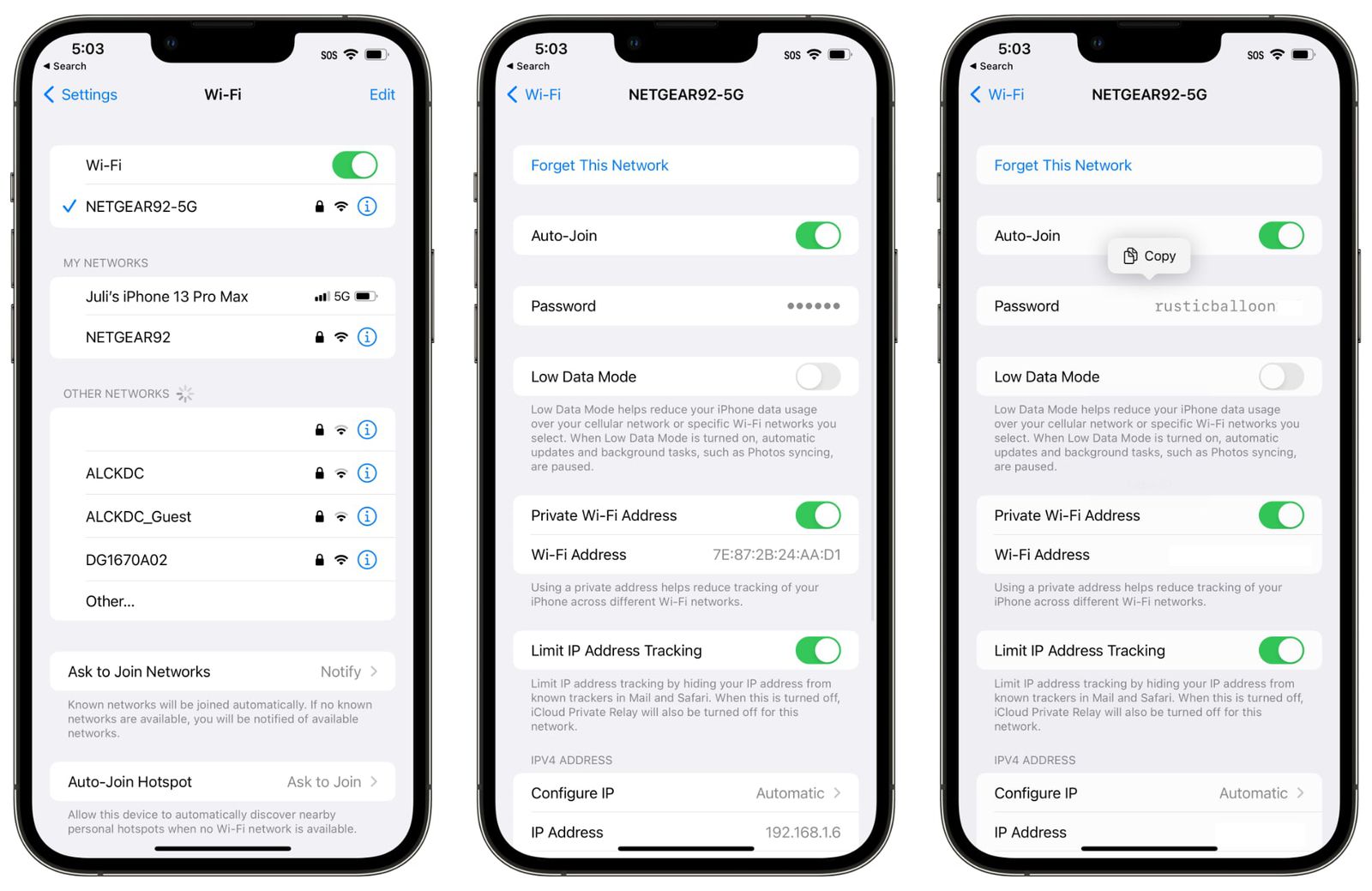
Nevermind the fact that my friends group tends to be about 50% passwords of the type you used and the other 50% of them use a randomly generated one from a pw generator or add enough random capitalization of things like family member names to make it awkward. More often than not, I end up handing them my device to type it themselves.
The QR code seems a much simpler solution once people know how to use them. Thanks to things like electronic menus at restaurants due to Covid more folks than you might realize actually do know what to do. If grandma can learn how to use a QR code to access the high school band concert program online (true story), then anyone can.
Teach a man to fish.
I keep teaching my family members to fish, and they keep asking me for fish.
    GUEST WIFI
    SSID: AAA Guest
Password: squirrels2I recently did this with a few (some more tech-savvy, some less tech-savvy) people and it seemed to blow their mind. I don't know if this is a commonly known feature.
Guest: “What’s your wifi network?”
Me: “It’s XXXX”
Guest: selects network
Me: Prompt on my device “Would you like to share your wifi password with Guest” . Selects Yes
Guest: “oh wow I’m connected. Thanks!”
Now that only works if I am present. But it works wonderfully. It should be standardised across platforms.
You also need to be physically close to each other and mutual contacts.
A: I don't know it's written on the back of the modem.
<finds modem after 10 minutes on top of a dusty cabinet>
<dictates code which is in hexadecimal to someone typing>
And - of course it was locked for admin - well - not for long, the technican who installed it gave me the password after we chatted for awhile. Admitedly, I cannot change the PW he gave me, and at some point if they remotely update it, it will stop working.
Me: Is it doing anything? What did you do?
Vistor: No. I pointed my phone at it like you said. Then I took a picture.
Me: What app are you using?
Visitor: The photo app I always use.
Me: Can you be more specific?
Visitor (showing where the icon is): That one. I always use it.
Me: That one sucks. Do you have any others?
Visitor: I don't know. There's photos in the Facebook app. Should I try that?
Me (grabs a piece of paper from the fridge, exasperated): Here. This is my wifi info. Use the 5ghz one. If that doesn't work, try the other one.
Vistor: Oh, ok, whatever. Thanks.
Nope. I know people first-hand who don't. Hell, even I don't know how the average person does it. My own phone's camera app doesn't detect them so I had to find a random 3rd party app and trust that it's not stealing the info. In fact I'm not sure I've ever used the stock camera app on any phone to scan a QR code before. For some folks it might be "press Camera and scan", but for others it's way harder than it looks.
My guests doesn't ask for the WiFi pass, they see the QR hanging and ask "what is this QR for?", "It connects to my WiFi", and they immediately try it (succesfully) out of curiosity, "It's cool, how is it done?". The don't understand the magic behind, but don't need a guide to use it.
I think there must be some sort of crazy interference going on because I can literally be sitting right next to the router and 5ghz has about 5k of bandwidth available.
Me: it's the entire alphabet in order.
Visitor: I don't want to type 20+ obnoxious letters.
Me: can I interest you in a QR code?
I don’t mind the little back and forth sometimes. Consequently, in this scenario the knowledge of how to use a QR code will come in handy for your guest.
in the last few months, i've had visitors at events ask why we didn't have a QR code posted because they'd prefer that to typing in the name of our website.
Visitor: What's your wifi password?
Me: No password needed! We have a cool QR code you can scan that will auto-join you!
Visitor: Oh cool, how do I use a QR code? Do I need an app?
Me: Nope, just point your camera at it.
Visitor: Like .. .take a picture of it? And then what, do I...
Me: No just point your camera at it.
Visitor: Ok let me try it ... oh cool it's prompting me to join your wifi network? what do I do now
Me: Yes Yes, just proceed, that's what it's for.
Visitor: That's soo cool, thanks.
Vs
Visitor: What's your wifi password?
Me: ShinyTortoise78