News for hackers. Stuff that matters.
Re:XP Paint – A Web-Based Version of Window XP's MS Paint by somehnguy on Thursday July 09, 2020 @04:30PM (#23784799)
This version of MS Paint is like the peak example of covering 99% of basic use cases while being incredibly simple to use. Whenever I need to make an arbitrary image real quick I miss this version of Paint. Nothing else I can find in 2020 even comes close to its intuitive interface.
Re:XP Paint – A Web-Based Version of Window XP's MS Paint by sedatk on Friday July 10, 2020 @12:36AM (#23788198)
I find Paint.NET excellent for both basic scenarios and advanced ones too (it supports layers, effects etc). Strongly recommended. https://getpaint.net

It's free but it's also available in Microsoft Store as a paid product, which gets automatic updates as a small extra and mostly works as a donation towards the developer.

Re:XP Paint – A Web-Based Version of Window XP's MS Paint by akersten on Friday July 10, 2020 @01:36AM (#23788483)
I love Paint .NET, but I wince every time I go to their website (which is not paint.net) to download it: the download button[1] gives me strong "clicking this will give you a shareware virus from 2005" vibe. It is also very sketchy that their website (getpaint.net) redirects to another site (dotpdn.com) for the actual download page.

I power through these feelings and download it anyway, knowing what wonderful software awaits on the other side, but it's really hard to shake those thoughts.

[1]: https://imgur.com/a/pfVCnLN

Re:XP Paint – A Web-Based Version of Window XP's MS Paint by DCKing on Friday July 10, 2020 @06:20AM (#23789937)
I recommend everyone on HN using Windows to use Chocolatey and Chocolatey GUI to install their software. Chocolatey is a package manager / "app store" for FOSS and other free-to-install software on Windows.

Downloading random installers was always flawed, but it's not getting any better. Chocolatey is the best you can get as a Homebrew/Homebrew Cask equivalent on Windows, and even if it takes some getting used to is so much better than navigating the web for installers.

Re:XP Paint – A Web-Based Version of Window XP's MS Paint by swinglock on Friday July 10, 2020 @09:05AM (#23791048)
These days I prefer https://scoop.sh/.

Chocolatey is fine but it would sometimes cause problems which I frankly don't remember. With scoop I've had no issues.

Re:XP Paint – A Web-Based Version of Window XP's MS Paint by DCKing on Friday July 10, 2020 @10:07AM (#23791572)
Yeah, whichever package manager you use is a huge improvement over working your way through dodgy ad-ridden websites and installers.

I'm guessing the HN crowd can use either. A big plus for Chocolatey is that it has an official GUI (Scoop seems to have GUIs as well, but they are unofficial), which improves discoverability for everyone and makes it easier to extend the recommendation to users with lower technical skills. Chocolatey and its GUI are a bit clunky compared to my Unix-based package manager tuned taste (and Windows is missing a good sudo equivalent), but it's such a big improvement over the Windows tradition of chasing installers on the internet.

Re:XP Paint – A Web-Based Version of Window XP's MS Paint by 1_player on Friday July 10, 2020 @01:11PM (#23793741)
The Windows software ecosystem is incredibly sketchy, no wonder viruses are still a thing: for some reason people hate hosting binaries but love to redirect you to fishy, ad-ridden shareware websites where a click on the wrong place will place a toolbar on your browser. I hate downloading software on Windows so much.
Re:XP Paint – A Web-Based Version of Window XP's MS Paint by UncleSlacky on Friday July 10, 2020 @07:34AM (#23790444)
You could try Pinta, which is open-source and based on Paint.NET: https://en.wikipedia.org/wiki/Pinta_%28software%29
Re:XP Paint – A Web-Based Version of Window XP's MS Paint by Macha on Friday July 10, 2020 @07:52AM (#23790570)
Pinta is not comparable to Paint.NET. Paint.NET is a very polished program and Pinta... isn't. While it's true that it is based on Paint.NET 3, the part they kept was the filter and image manipulation stuff and the part they dumped was the UI, and their (Gtk# I think) UI is not very good compared to even the WPF UI of the old versions of Paint.NET it was based on. Stuff like the selection handles being rendered on canvas so looking very broken when working on e.g. pixel art, or just highly zoomed in as the marching ants scale with the image pixel size.

If you need an open source editor for those use cases, go with KolourPaint or Krita. Krita is not quite as simple as Paint which is why KolourPaint might fit your use case better, but I've switced to Krita for my Linux image editor. Now if they could just bring back an on-canvas text tool...

Re:XP Paint – A Web-Based Version of Window XP's MS Paint by smhenderson on Thursday July 09, 2020 @04:46PM (#23784995)
Isn't mspaint in Windows 10 basically the same thing but with a ribbon instead of a toolbar?

I don't much care for the ribbon but I'm used to it now. Hitting WinKey-R, mspaint, [Enter] is still my goto for simple picture editing, even just recording a screenshot despite the existence of the snipping tool...

Other than the minor annoyance of getting used to the ribbon I felt as if I was still using the same old paint when I did this.

Re:XP Paint – A Web-Based Version of Window XP's MS Paint by badsectoracula on Friday July 10, 2020 @04:08AM (#23789265)
No, it is a very different application. For example when you draw something, like a rectangle, and then you try to draw something else over it, it instead moves the rectangle - failing to do the most basic task: being a paint program.

It does have some nice features, like the premade shapes and brushes, but those could have been added to the previous MS Paint application without breaking its UX.

Re:XP Paint – A Web-Based Version of Window XP's MS Paint by JoeSmithson on Thursday July 09, 2020 @04:53PM (#23785073)
Two things I dislike about the new Paint are;

1. Can't select secondary colour with right click

2. Needs way more clicks to get a filled Rectangle

Re:XP Paint – A Web-Based Version of Window XP's MS Paint by forgotpwd16 on Friday July 10, 2020 @04:20AM (#23789326)
1. On latest Windows version I am on now it works as the classic paint. 2. On classic paint you set colors > rectangle > select filling (w/ outline or w/o). On new paint is set colors > rectangle > fill > select filling > outline > select outline. So 1 or 3 more if you want to remove the outline.
Re:XP Paint – A Web-Based Version of Window XP's MS Paint by mumbisChungo on Thursday July 09, 2020 @05:03PM (#23785195)
Number 2 took me from using paint constantly to just using photoshop instead.
Re:XP Paint – A Web-Based Version of Window XP's MS Paint by vbezhenar on Thursday July 09, 2020 @06:02PM (#23785758)
1. Use shift+click.
Re:XP Paint – A Web-Based Version of Window XP's MS Paint by unholythree on Thursday July 09, 2020 @10:12PM (#23787453)
I still find myself trying to do #1 frequently
Re:XP Paint – A Web-Based Version of Window XP's MS Paint by somehnguy on Thursday July 09, 2020 @04:52PM (#23785062)
It's similar but in my opinion with every release Microsoft makes their products slightly more unintuitive. This version of Paint is far simpler to view and instantly know what to click to get what you want.
Re:XP Paint – A Web-Based Version of Window XP's MS Paint by CarbyAu on Thursday July 09, 2020 @09:21PM (#23787182)
Similar to you, "discoverability" is what irks me about MS trend recently. As you say, the version you can "view and instantly know" = easy to discover what/how you can do.

A lot of MS stuff recently seems to have forgotten that people need visual cues to "know" what to do.

Re:XP Paint – A Web-Based Version of Window XP's MS Paint by userbinator on Thursday July 09, 2020 @08:16PM (#23786797)
I immediately searched for the XP version the first time I encountered this extremely frustrating behaviour:

https://answers.microsoft.com/en-us/windows/forum/windows_10...

Re:XP Paint – A Web-Based Version of Window XP's MS Paint by airstrike on Thursday July 09, 2020 @10:02PM (#23787410)
I honestly would prefer if the post was left unanswered than having to read shit like

> Hi,

> Thanks for the update on the issue.

> We have tested the same with the latest Windows updates installed on Windows 7 and Windows 8.1.

> As suggested, I would recommend sharing this as a feedback on the Feedback app of Windows 10.

> Do let us know if you face any Windows related issues in future. We will be glad to assist you.

> Good Day!

Re:XP Paint – A Web-Based Version of Window XP's MS Paint by wildmusings on Friday July 10, 2020 @08:49AM (#23790942)
That whole forum is a dumpster fire. When a search takes me there, I brace myself to read a poorly-written, incorrect, dismissive answer. Nine times out of ten, the questioner is clearly more knowledgeable about the problem than the person answering it.
Re:XP Paint – A Web-Based Version of Window XP's MS Paint by alternatetwo on Thursday July 09, 2020 @08:47PM (#23786968)
Win Vista and later paint replaces the palette of a 256 color bitmap with a completely different one upon saving, to name a major and breaking difference. I grabbed the paint.exe from an old XP and it works absolutely fine, even on 7 and probably 10.
Re:XP Paint – A Web-Based Version of Window XP's MS Paint by MayeulC on Thursday July 09, 2020 @05:21PM (#23785376)
Kolourpain is better. It does transparency, fill with a configurable distance, and supports more file formats. Other than these, it's quite similar :)

https://kde.org/applications/graphics/org.kde.kolourpaint

http://www.kolourpaint.org/screenshots.html (that website could use an update...)

Re:XP Paint – A Web-Based Version of Window XP's MS Paint by Supermancho on Thursday July 09, 2020 @05:56PM (#23785705)
Photoshop is better, or should I say https://www.photopea.com/

Is Kolourpaint available as a website I can visit right now? Lots of editors are "better" from a feature standpoint. That's not the feature that is relevant to the discussion.

Re:XP Paint – A Web-Based Version of Window XP's MS Paint by MayeulC on Friday July 10, 2020 @03:06AM (#23788952)
I'm sorry if I should have been more nuanced. Lack of transparency support was my number 1 pet peeve back with mspaint.

Kolourpaint's scope and interface are similar. It can be found in most distributions'packages, and on flathub. Looks like nobody bothered to package it for windows, though, which is a shame.

Re:XP Paint – A Web-Based Version of Window XP's MS Paint by zapzupnz on Thursday July 09, 2020 @10:48PM (#23787659)
> That's not the feature that is relevant to the discussion.

Not to the thread overall, but it is relevant to this thread in particular. GP didn't mention any specifics regarding whether or not the editor is available online; they merely spoke about Paint's simplicity relative to everything else.

Re:XP Paint – A Web-Based Version of Window XP's MS Paint by forgotpwd16 on Friday July 10, 2020 @04:10AM (#23789284)
Wow, Photopea runs extremely smoothly. On my old laptop it runs better than native image editors.
Re:XP Paint – A Web-Based Version of Window XP's MS Paint by umvi on Thursday July 09, 2020 @05:18PM (#23785352)
> I miss this version of Paint

Well you are in luck: https://archive.org/details/MSPaintWinXP

I use this all the time on my Windows 10 box.

Just download, rename to "mspaintxp.exe" and put it in C:\Windows\System32. Optionally update Paint shortcut to point to that one so when you type "Paint" in start menu that's the new default.

Re:XP Paint – A Web-Based Version of Window XP's MS Paint by notJim on Thursday July 09, 2020 @06:50PM (#23786177)
In fact, you don't need to go to all this trouble if you don't want to. Someone has made a web-based version of paint you can use right from your browser, even if you don't have Windows installed. Link: https://chowderman.github.io/xp-paint.html
Re:XP Paint – A Web-Based Version of Window XP's MS Paint by edjrage on Thursday July 09, 2020 @07:20PM (#23786407)
That's awesome! Someone should post this on HN.
Re:XP Paint – A Web-Based Version of Window XP's MS Paint by Piisamirotta on Friday July 10, 2020 @01:50AM (#23788555)
Indeed! So we could discuss about it!
Re:XP Paint – A Web-Based Version of Window XP's MS Paint by edjrage on Friday July 17, 2020 @01:43PM (#23873264)
And maybe someone could talk about native alternatives!
Re:XP Paint – A Web-Based Version of Window XP's MS Paint by zapzupnz on Thursday July 09, 2020 @10:49PM (#23787662)
That link is … well, the link for this thread.
Re:XP Paint – A Web-Based Version of Window XP's MS Paint by notJim on Friday July 10, 2020 @11:33AM (#23792547)
Just a bit of wry humor :)
Re:XP Paint – A Web-Based Version of Window XP's MS Paint by userbinator on Thursday July 09, 2020 @08:23PM (#23786836)
Me too, along with calc.exe --- starting with Win7, https://news.ycombinator.com/item?id=10791667 among other issues appeared, and then in Win10, https://news.ycombinator.com/item?id=17670644

It's really sad that one of the world's biggest software companies can't make a fully-working calculator.

Re:XP Paint – A Web-Based Version of Window XP's MS Paint by microcolonel on Thursday July 09, 2020 @05:46PM (#23785604)
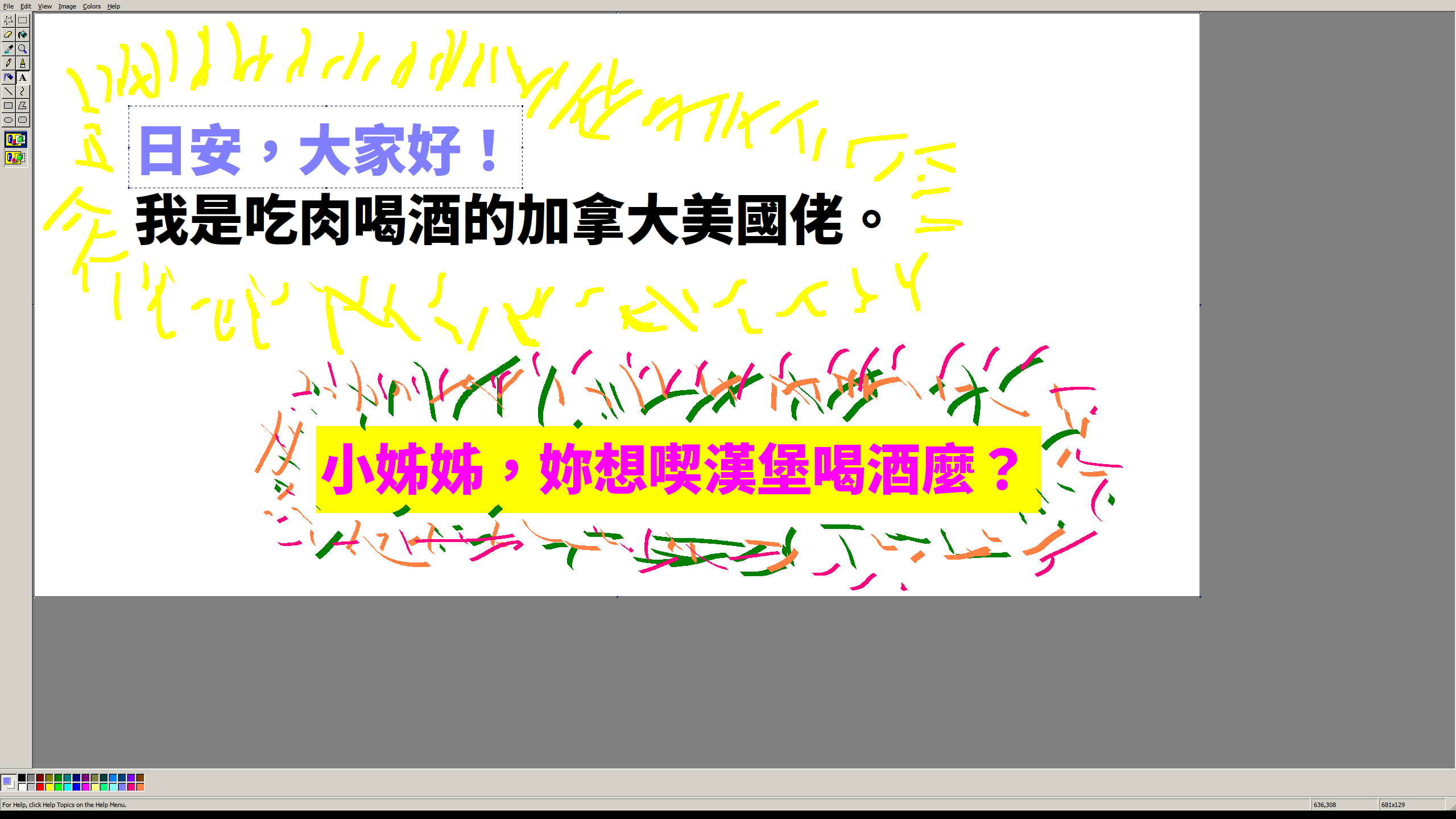
If you're looking to run it with Wine, you'll also want a copy of the IA32 version of mfc42u.dll.

added: totally necessary proof https://qui.suis.je/drop/peakfun.png
Re:XP Paint – A Web-Based Version of Window XP's MS Paint by grapeli23 on Thursday July 09, 2020 @06:08PM (#23785812)
It also works in the browser under JSLinux in Wine (requires mfc42u.dll). https://bellard.org/jslinux/vm.html?url=alpine-x86-xwin.cfg&...
Re:XP Paint – A Web-Based Version of Window XP's MS Paint by forgotpwd16 on Friday July 10, 2020 @04:26AM (#23789360)
It is possible to use the Debugger registry value to replace `mspaint.exe` with `mspaintxp.exe` seamlessly. (Or any software you want.)
Re:XP Paint – A Web-Based Version of Window XP's MS Paint by somehnguy on Thursday July 09, 2020 @09:11PM (#23787126)
Unfortunately I transitioned to Mac a few years ago so it isn't just drop in and done.

Paintbrush was the closest thing I could find here, but it glitches out on me occasionally and the UI isn't as simple. I may just take the 20 minutes to do what you recommended under Wine. Thanks!

Re:XP Paint – A Web-Based Version of Window XP's MS Paint by arrrg on Friday July 10, 2020 @04:52AM (#23789490)
I’m always perplexed by this. Maybe I lack the artistic talent? Paint could never cover any of my use cases. For that it was always too much about … well … painting … which is something I just don’t need on a day to day basis. The painting focus seems completely misguided to most of the typical use cases I can imagine.

My quintessential perfect tool is always the Preview App on macOS:

You can add simple shapes, arrows and text to any images. You can rotate, crop and resize images. You can reorder, rotate, split and merge PDF documents.

That’s all very well tailored to most common use cases. In terms of image editing I guess you can do all that with Paint but it seems clumsy to me. Not really fit for that purpose.

And if I don’t want to mark something up but create something new (which will typically heavily rely on text even if it’s more visual, like a birthday invitation) the text editing is too weak to get anywhere really useful, so for that I would rather use some kind of either text editor or layouting program.

Re:XP Paint – A Web-Based Version of Window XP's MS Paint by willis936 on Friday July 10, 2020 @08:16AM (#23790725)
Contemporary paint is much better. XP paint was missing some of the most basic and essential features of a pixel editor. Without a proper and simple cropping interface it’s little more than an aesthetic setpiece.
Re:XP Paint – A Web-Based Version of Window XP's MS Paint by m-p-3 on Thursday July 09, 2020 @06:05PM (#23785777)
If you need just a bit more functionality, I find Paint.NET to be quite good while not too complex.
Re:XP Paint – A Web-Based Version of Window XP's MS Paint by wazanator on Thursday July 09, 2020 @10:20PM (#23787502)
Paint.net is still one of the very first things I install on a fresh Windows install. It's simple to use but provides enough depth if you want it without feeling overwhelming on opening. Gimps interface has come a long way but it's still not as user friendly as paint.net I feel.
Re:XP Paint – A Web-Based Version of Window XP's MS Paint by Firehawke on Thursday July 09, 2020 @08:57PM (#23787032)
Yep. It's not at the level of Photoshop but it does a pretty good chunk of the intermediate-level features that you might need for more complex projects (e.g. layers)
Re:XP Paint – A Web-Based Version of Window XP's MS Paint by voldacar on Friday July 10, 2020 @09:17AM (#23791146)
> This version of MS Paint is like the peak example of covering 99% of basic use cases while being incredibly simple to use.

At some point Microsoft just forgot how to make software like this - sometime between 2005 and 2010 I think. OSes no longer come with simple, lightweight tools that are unsophisticated and just do what you want

Re:XP Paint – A Web-Based Version of Window XP's MS Paint by Exorus18 on Friday July 10, 2020 @01:51AM (#23788563)
Yup, during college I even created electrical schematics in MS Paint during one course, nobody believed it was done using it :) Although I must admit creating schematics in CAD software is more sane ;)
Re:XP Paint – A Web-Based Version of Window XP's MS Paint by pubby on Thursday July 09, 2020 @11:38PM (#23787900)
Check out mtPaint. It's very similar to old school paint, and works on Linux too.

http://mtpaint.sourceforge.net/

Re:XP Paint – A Web-Based Version of Window XP's MS Paint by asddubs on Friday July 10, 2020 @07:42AM (#23790502)
kolourpaint is the exact same thing as windows xp paint. part of kde, but you can also find windows builds online
Re:XP Paint – A Web-Based Version of Window XP's MS Paint by Macha on Friday July 10, 2020 @08:04AM (#23790645)
Well it could crop as well. Then I'd give you 90%.
Re:XP Paint – A Web-Based Version of Window XP's MS Paint by artifact_44 on Friday July 10, 2020 @05:05AM (#23789550)
photopea.com