News for hackers. Stuff that matters.
Re:Pixel graphics in terminal by chuckup on Tuesday May 20, 2014 @10:53PM (#7776467)
So why don't we have full blown graphics/widgets in the terminal?

I'm thinking a hybrid console meets explorer: When I type "ls *.png", why don't I get a sortable table? Or, if I mouseover a filename, get a preview?

I remember "type BBSAD.ANS" in the DOS days - you'd see an animated ANSI right in the terminal - but I can't type "view lolcat.png" in 2014 (without shifting focus to the GUI).

Maybe this is overkill and not worth it, but I've always felt there's room to make the CLI a little more GUI-like

Re:Pixel graphics in terminal by eschaton on Wednesday May 21, 2014 @03:31AM (#7777062)
You mean like the command line on Lisp machines, such as this example from Symbolics Genera? https://www.youtube.com/watch?v=o4-YnLpLgtk

The command line is contextually intelligent and presents interactive graphics and text. Not a simulation of a teletype on a simulation of a character terminal.

Re:Pixel graphics in terminal by mietek on Wednesday May 21, 2014 @04:52AM (#7777215)
Thank you for sharing this video.

There's an Alpha workstation in my closet, waiting to have OpenGenera installed...

Re:Pixel graphics in terminal by jackyb on Tuesday May 20, 2014 @11:18PM (#7776533)
Terminology is what you might be looking for: http://www.enlightenment.org/p.php?p=about/terminology
Re:Pixel graphics in terminal by granttimmerman on Tuesday May 20, 2014 @11:33PM (#7776559)
Re:Pixel graphics in terminal by drdaeman on Wednesday May 21, 2014 @08:33AM (#7777840)
w3m/w3m-img had this for quite long time for some X11 terminals, with a ugly but interesting hack: http://w3m.cvs.sourceforge.net/viewvc/w3m/w3m/w3mimg/x11/x11...
Re:Pixel graphics in terminal by unfamiliar on Wednesday May 21, 2014 @10:15AM (#7778329)
Why should we have graphics in the termal? Use the GUI whenever you need to do these things.

> Or, if I mouseover a filename, get a preview? ...I can't type "view lolcat.png"

Most GUIs don't even do this. However, on OS X with iTerm you already can cmd-click the filename to open the file. Or use the Finder's QuickLook utility from the command line: qlmanage -p "$@" >& /dev/null &

Basically I see no need to merge the two. They operate perfectly well together and compliment each other. To extend the functionality you could simply write shell scripts which generate custom HTML and send it to a browser (or quicklook in the case of OS X).

Furthermore, a lot of these suggestions are already implemented in ipython notebooks, which is a REPL with graphical capabilities.

Re:Pixel graphics in terminal by lstamour on Wednesday May 21, 2014 @11:34AM (#7778791)
qlmanage -p is cool. I tend to just use "open" personally, as in open . to see the current folder or open lolcat.png to view a file in the default editor. On Windows you can use explorer.exe to do similar things. I do, however, wish terminal had better GUI for history, scrollback bookmarks, note taking, etc. Especially if I've a 4K display with so many pixels, it's criminal to not use a few of them more effectively.
Re:Pixel graphics in terminal by jorrizza on Wednesday May 21, 2014 @05:47AM (#7777359)
Some time ago I did write this crude UTF-8 terminal hack which does show an image in full 256 color glory. https://gist.github.com/jorrizza/e9deadd9fd1318ee09fb
Re:Pixel graphics in terminal by riquito on Wednesday May 21, 2014 @03:43AM (#7777079)
Termkit ( http://acko.net/blog/on-termkit/ ) is similar to what you described, but it's discontinued if I remember correctly.
Re:Pixel graphics in terminal by rogual on Wednesday May 21, 2014 @06:26AM (#7777474)
That's sad. I remember when the author first announced Termkit on Reddit and got massively shat on for trying to introduce graphics (the very thought!) to something as serious as The Command Line.

I hope he hasn't totally abandonded the idea but I wouldn't be surprised if he did.

Re:Pixel graphics in terminal by boie0025 on Wednesday May 21, 2014 @12:59AM (#7776765)
I just had a BBS days flashback to RIP: http://en.m.wikipedia.org/wiki/Remote_imaging_protocol
Re:Pixel graphics in terminal by mseebach on Wednesday May 21, 2014 @03:36AM (#7777071)
It's not exactly a terminal, but I like the IPython Notebook for pretty much those reasons. I think you could quite easily build something like a sortable ls output as a reusable component.

http://ipython.org/notebook.html

Re:Pixel graphics in terminal by Raphael on Wednesday May 21, 2014 @12:37AM (#7776718)
Re:Pixel graphics in terminal by thrownaway2424 on Wednesday May 21, 2014 @12:17AM (#7776676)
We do in fact have full-blown graphics modes in the terminal and have had for decades. You can switch xterm to Tex4014 mode at your leisure, although this might not have been the graphics you had in mind. I believe you can _still_ pay money to HP for the pleasure of using decterm, which emulates the VT340 and other REGIS-protocol terminals.

One of the craziest hacks on graphics terminals was NCSA Telnet. It supported multiple detached Tek terminals as well as a raster graphics protocol called "ICR". It had its own TCP stack built in, and could offer these features even on DOS. One of the weirdest rigs I ever saw was a guy at college who browsed the web, with graphics, using NCSA Telnet on a PC/AT running PC-DOS, at a time when that computer was at least 10 years old.

Re:Pixel graphics in terminal by cnvogel on Wednesday May 21, 2014 @02:02AM (#7776904)
Regarding Tek("Tektronix")-Graphics, here's an animated gif showing Tek4014 graphics...

http://phk.freebsd.dk/AducLoran/animation2.gif
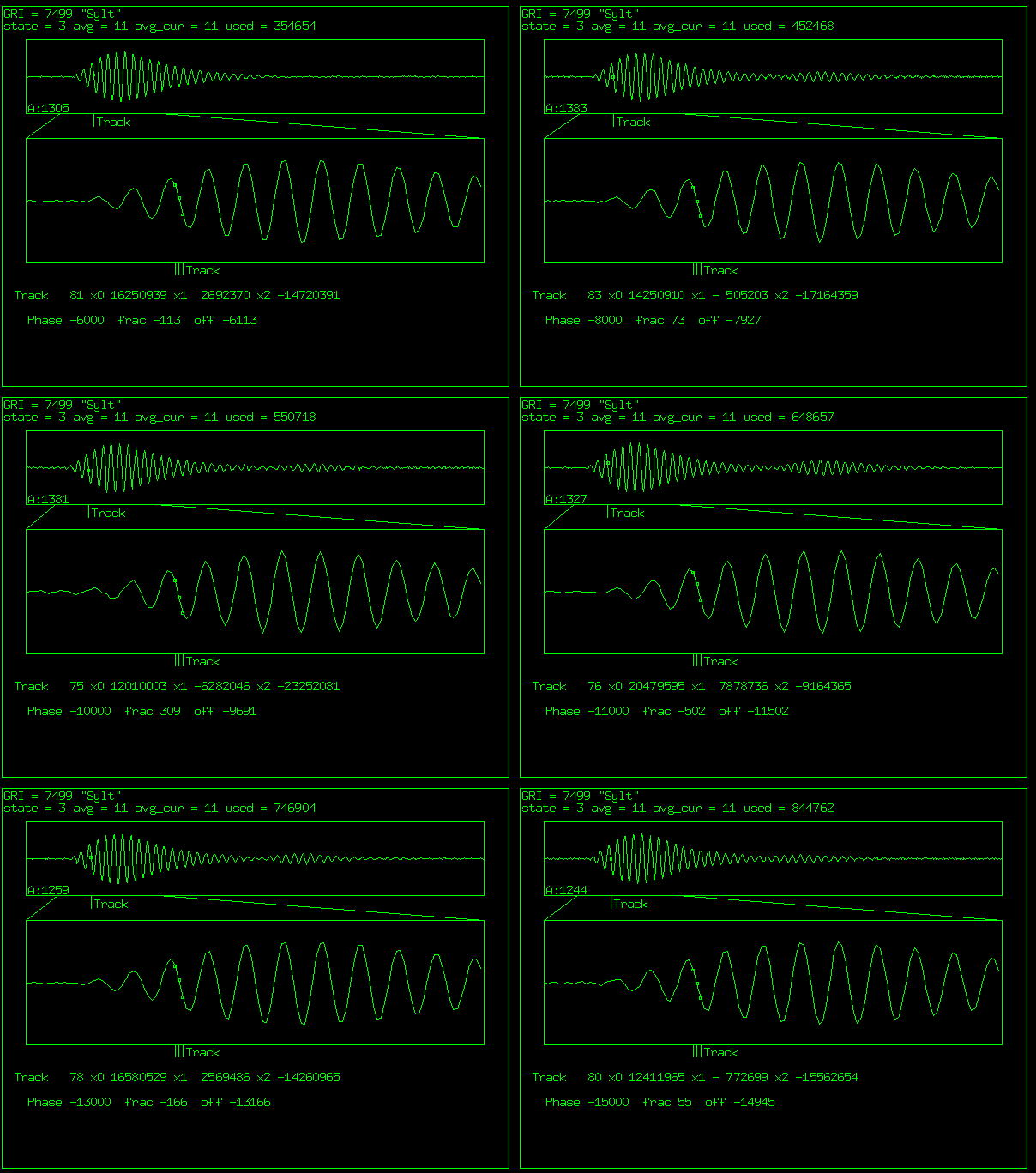
...part of a Loran-C receiver made by Poul-Henning Kamp which aparently outputs these plots over its serial port.

http://phk.freebsd.dk/AducLoran/

To play with it, for example gnuplot can output on an xterm running in tektronix-mode. Open an Xterm, then...

    * mkfifo /tmp/tek
    * cat /tmp/tek
    * Ctrl-Middle-Mouse menu:
        - show tek window
        - switch to tek window
        - (in Tek window:) hide vt window
Open a second terminal (Xterm or any other)

    * start gnuplot, on the gnuplot-prompt
    * set term tek40xx
    * set output "/tmp/tek"
    * plot tan(x)    {or whatever you want to plot}
Using two separate terminal emulators, and the fifo, makes it easier to coordinate the two different modes, because frankly gnuplot doesn't switch sensibly between the two display modes and will clobber one or the other either with Tek control codes on the VT, or write the prompt over the graphics.