There might be a small misunderstanding regarding the "dialog". Once you've selected an area you're shown the outlines & can still modify them, and the buttons (Accept (for further editing in Spectacle), Save, Save As, Copy, Export) are shown below those outlines.
This approach seems objectively superior to your suggestion.
Sounds borderline implausible. If anything, that's not a typical user user case by far.
Okay? Weird comment.
> If anything, that's not a typical user user case by far.
The scale may not be typical, but the pattern (many more screenshots copied to clipboard than saved as a file) is something I see across all kinds of users around me, be they technical or even very much non-technical.
Let's not turn the defaults into "The Homer", okay? Allowing the user to choose their preferred action in the same step as allowing them to change the outline doesn't make things unnecessarily confusing, doesn't add unnecessary clicks, or anything else.
Your whataboutism doesn't invalidate my critique.
I was responding to your belief that somehow Gnome is better or that "Gnome just works exactly like you'd expect it to," as you stated. My point is that it does not. And you might not find Desktop icons useful, but I (and millions of other people!) use them every day and have for decades. I could drag and drop icons on the desktop of my family's first computer, a Mac that ran System 7 in the early 1990s. And then our Windows 95 box. And then Windows 98, and 2000, and XP, and a laptop that ran Vista. And then that laptop running Ubuntu with Gnome 2, and then Ubuntu Unity, and then Gnome 3... until Gnome decided, nope, sorry!
Linux has a DE like GNOME. How many DEs like GNOME does it need?
There's a lot of "we need this" "we need that" in the open-source world. But when you look at all the limitations objectively, we've already reached the highest point we can achieve.
Other than that I don't have too many complaints.
For comparison, MacOS doesn't have a printscreen key, it's command-shift-3 or command-shift-4. Much more confusing to newcomers in my experience.
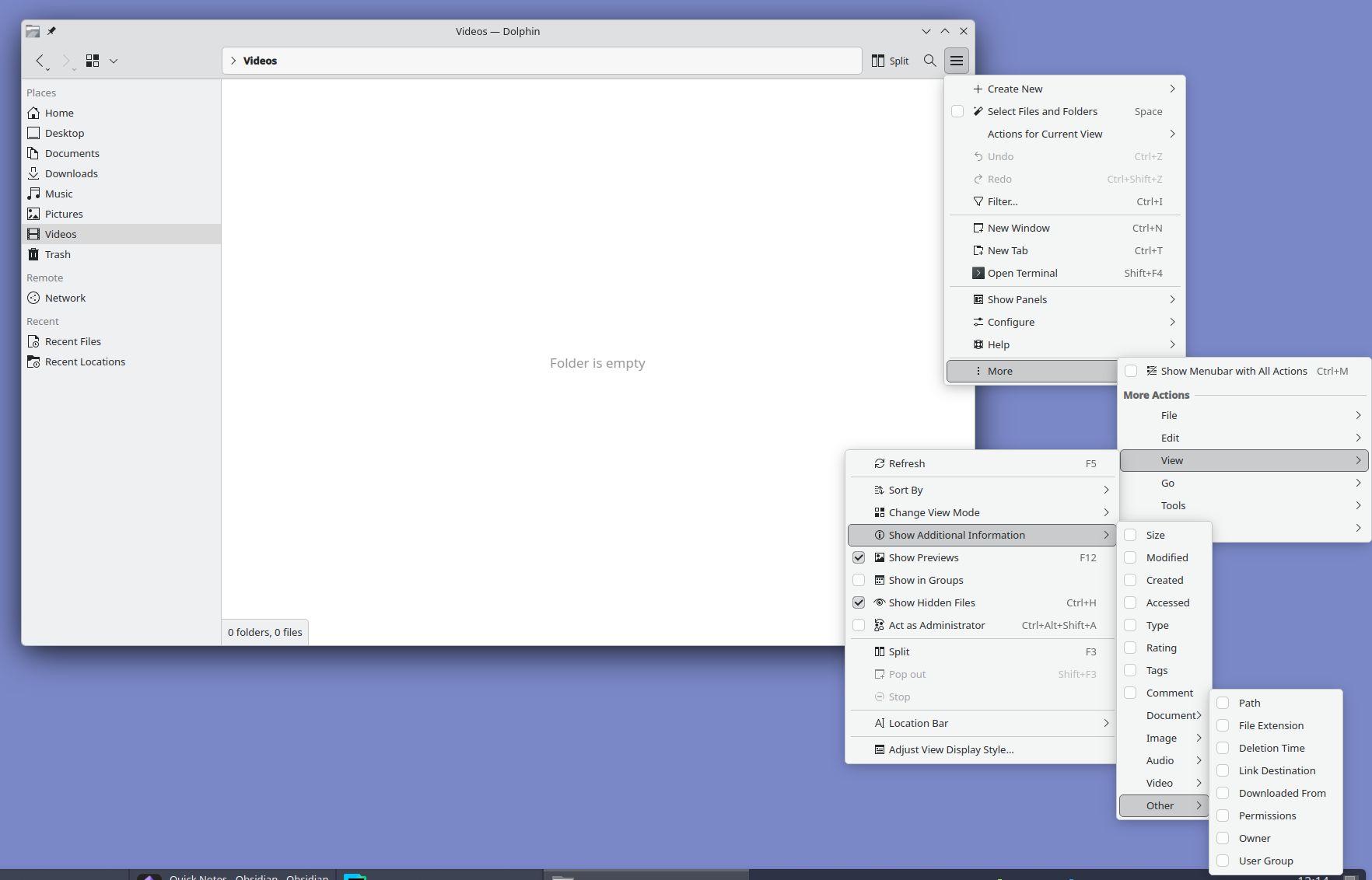
Edit: Since we're talking about UX what do you think about Gnomes window management? If more than one window is open and one of them is maximized you need two clicks to bring the other one to the top. Every single time. Gnome user is pretty much expected to learn keyboard shortcuts to overcome the terrible UX. Most just install addons that bring back basic UI elements but the addon API is not stable and most addons usually need an update between Gnome versions which wears out developers which results in the Gnome addon repo being full of abandonware. I used Gnome as my DE for approximately a year before I realized that all the time spent trying to wrangle that stupid fisher price DE into any resemblance of functionality would be better spent on something more productive.
Meanwhile, Gnome just works exactly like you'd expect it to. I said it before already, but Gnome is for people moving from macOS and KDE is for ex-Windows veterans. And, for the record, I don't want to praise Gnome's overly-minimalistic approach, either, which too gets annoying when you have to find an extension for every stupid extra setting beyond the defaults. But, all in all, I much prefer it over KDE and wouldn't switch back. Not to mention the aesthetics, because there's no comparison if one shares the Apple/Braun ideals on design.
A plot twist here is that I am also a KDE app developer...