News for hackers. Stuff that matters.
Re:OpenBSD Desktop by bee_rider on Friday May 10, 2024 @11:51AM (#40320409)
GUIs on Linux seem mostly fine in the sense that you can just use a tiling WM and terminals. Now you have a computer that you can use properly. You mostly use one terminal full screen, but if you have to you can pop open another one and they’ll arrange themselves nicely. Tmux can do this of course, but sometimes you have a nice tmux layout all set up and don’t want to mess with it.

Plus you can also open a web browser if you want to goof around and comment on HN.

And you’ll even have X installed if somebody manages to find some use for non-terminal programs (unlikely but we should admit the possibility).

Re:OpenBSD Desktop by ykonstant on Friday May 10, 2024 @12:18PM (#40320721)
Recently, I managed to get fbterm working decently on my linux; this way I can read pdf, watch movies, write code, browse parts of the web, and if I manage to get Qutebrowser working on fbterm, I'll be able to do proper web browsing without X!

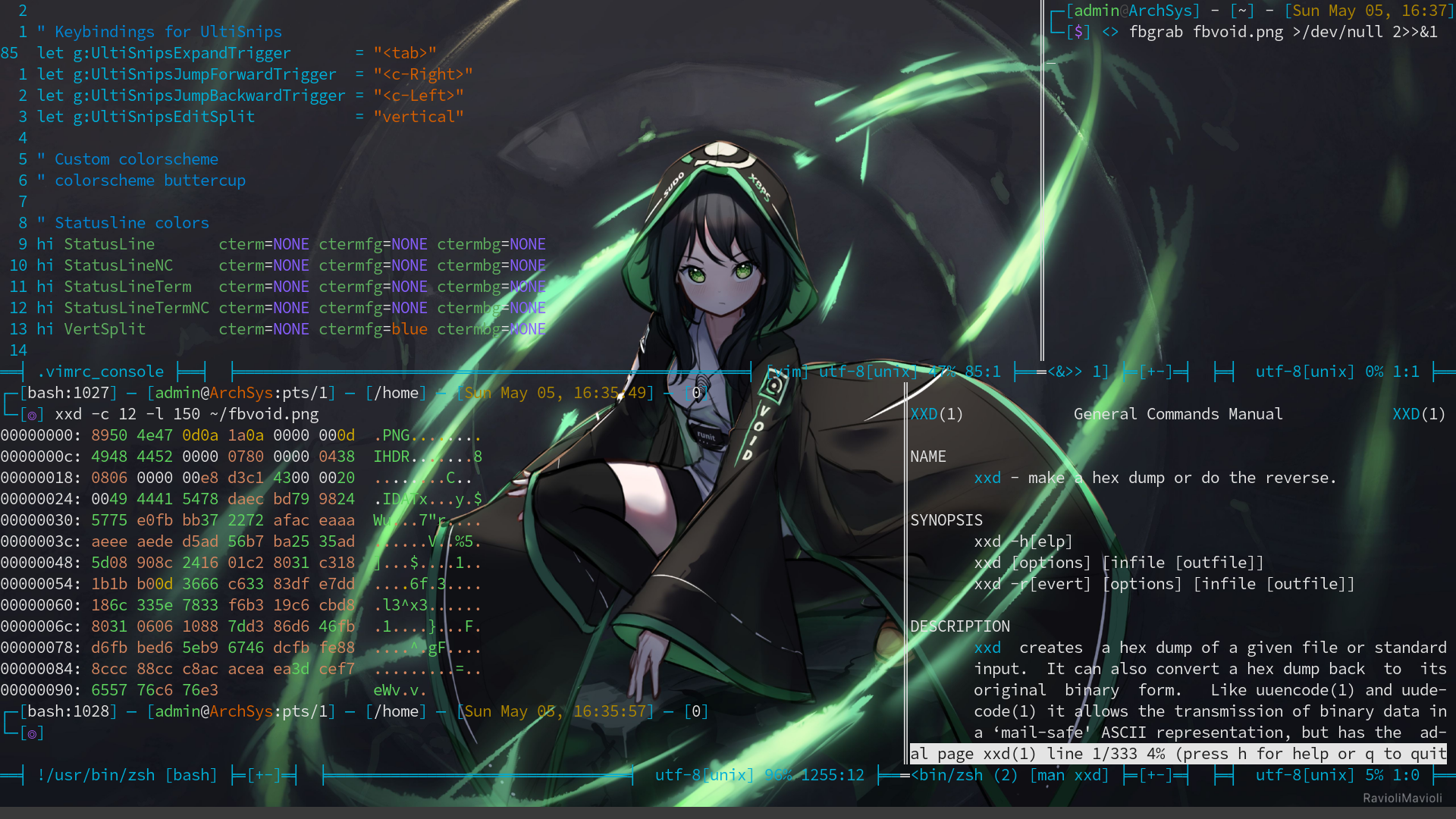
Plus there's the coolness points about doing this without X: https://ykonstant1.github.io/fbvoid.png
For games, I have had some success startx'ing some in their own X context.

Re:OpenBSD Desktop by anthk on Friday May 10, 2024 @04:44PM (#40323614)
You can do that without fbterm. Check fbpdf2, mpv -vo drm, links -g, and so on.

Also, on games:

export SDL_VIDEODRIVER=fbcon or kmsdrm depending on the case.

Re:OpenBSD Desktop by ykonstant on Friday May 10, 2024 @05:14PM (#40323863)
Oh absolutely, but fbterm has a lot of nice stuff, like unicode support with nice fonts, eye candy, multiple screens etc.