When I say "the evolution of the product" I really mean "the "evolution of the code". When a small feature branch with 5 commits - four of which say "wip" and the last one says "added color support" - gets merged as is, and all relevant information is held hostage by whatever Git platform the company is using this week and not inside the repository itself, the log is not useful to me regardless of any strategy.
But in a different setting I would not necessarily insist in the same way.
Yes, it can be annoying if your developers are committing nonsense, but then just tell them to not do that, or to rebase locally before pushing.
If you find yourself troubleshooting a bunch of nonsense commits, you can just do a diff to the merge commit, and it will show you all the changes. But you also have the option of figuring out exactly which commit caused the problem, and seeing it in context. If I see an error in the middle of a bunch of commits that look like "trying x with y." Then I know that this is a tricky problem, and the developer was lucky to get it to work at all. If it is in the middle of a standard looking commit, then the developer didn't struggle with this. So maybe they didn't put enough effort into it, or maybe it is a rare corner case.
When I'm troubleshooting other peoples problems, every bit of information helps. Especially when the developer who introduced the problems is no longer with the company. Squashing commits removes some of that information, without providing anything that I can't approximate by using merge commits in logging/diffs.
Just an aside, but if there problem being solved is harder than it looks then this deserves a comment explaining why in either the commit message or in the code itself.
I can definitely see how those intermediate commits can provide more information, but there's a tradeoff. More often than not, they do not provide me much value, and instead give me bloat, so I prefer to keep things simple.
Telling developers not to do something is like telling a kid not to push that red button. The average developer chooses what's easiest _right now_ and thinks it's someone else's job to fix the mess at PR time. And they're afraid, because that one time five years ago they ran a rebase without knowing what it does, and lost some code without knowing it's actually right there in the reflog, and since then they are deathly afraid of Git. I know how to use log and diff and all the others quite well, but most don't. So I'm trying to make things easier on everyone in the long term, not the short term.
"well, it landed on this rebased commit that's huge. I guess it was a kind of useful, just not as useful as we'd like".
It's like the first time I saw the essay calling ORM's the "vietnam of the software industry". I remember reading it and wondering who the hell would use ORM's in that manner?
Apparently a lot of people, but if you're using rebase because you don't know how to create commits that build and are functional then I submit the issue is with you.
As an independent contractor working with many different companies, unfortunately, virtually everybody.
git tag -f pre-rebase git add .; and git commit --amend --no-edit; git push origin --force
git commit --fixup HEAD
This makes a commit with a “fixup!” prefix that works with
git rebase --interactive --autosquash
I don’t even bother locally rebasing to autosquash it all anymore since we use squash-to-merge/rebase in github PRs now.
  function git-commit-fixup() {
    git commit --fixup ":/$*"
  }
  alias gcf="git-commit-fixup"
  # Looks for the most recent commit that matches its arg
  # eg: we have three commits with messages:
  #   "fix: the thing"
  #   "feat: 5 percent cooler"
  #   "test: test coolness"
  # then we do some work and git add, then do:
  gcf cooler"
  # now we have 4 commits: "
  #   "fix: the thing"
  #   "feat: 5 percent cooler"
  #   "test: test coolness"
  #   "fixup! feat: 5 percent cooler"
  # And autosquash will combine the fixup commit with the appropriate semantic commit as you say.
We have had multiple security incidents because some developer left a credential file inside the local git clone (no, not all tooling supports out-of-tree stored credential). Blind 'git add .' is the first thing I teach my developers not to do.
My typical workflow is to git add . to see the mess I’ve made then decide how to clean it up. If I’ve mistakenly added a credentials file, the fix is to add it to the gitignore and unstage it, not JUST unstage it.
Not saying that you shouldn’t do both, but maintaining a gitignore and completely removing the potential problem for other people seems better than pretending your tool is more limited than it is.
Default layout is a bit weird IMO, here's what I'm doing instead: https://u.ale.sh/my-git-cola-screenshot.png
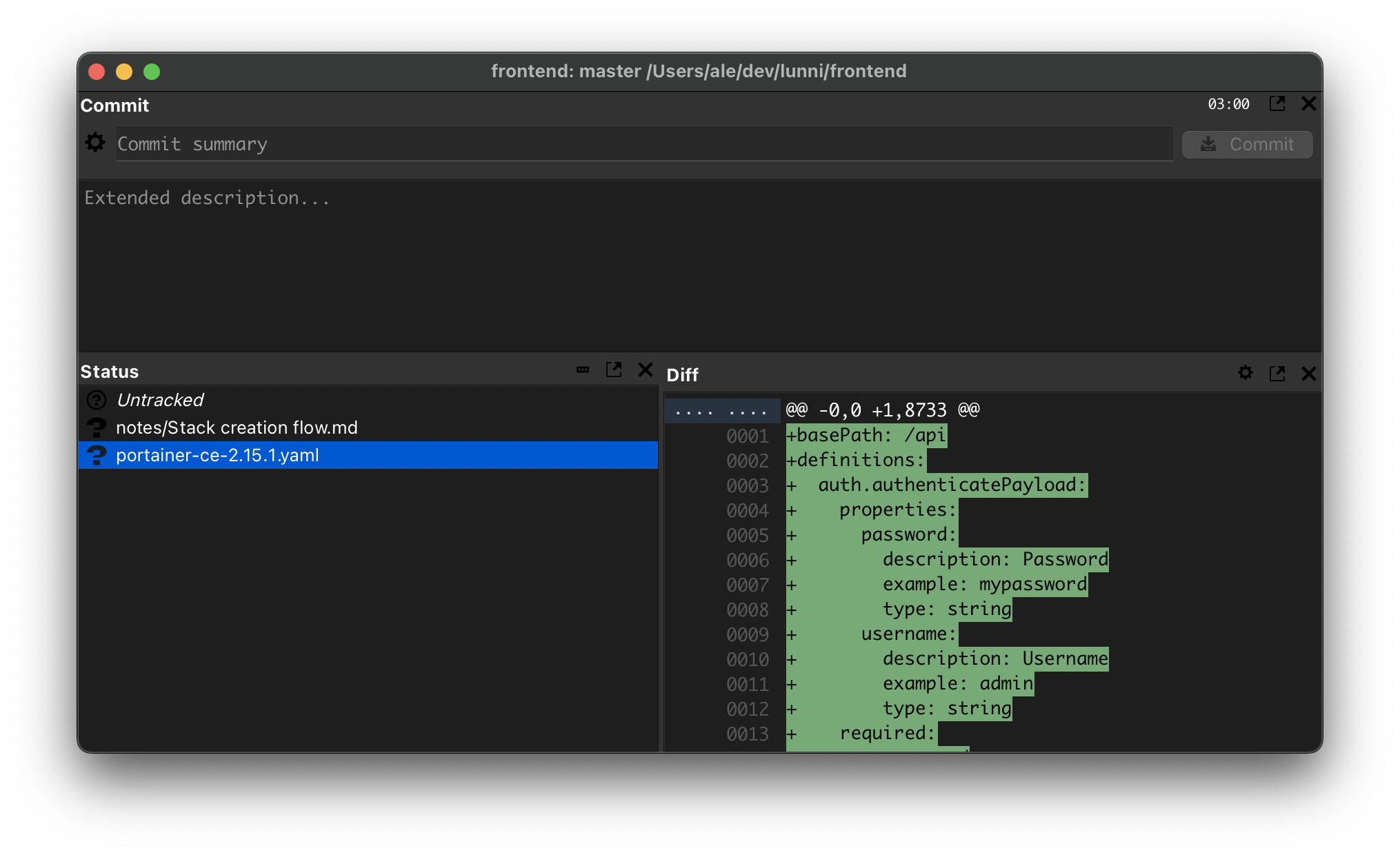
Sounds like you need better tooling, tbh.
git add .; git commit --amend --no-edit;
git -a --amend --no-edit;I'm pretty sure rebasing locally is exactly what the person you're arguing with is arguing for. The original comment in this thread was saying you should never rebase, always just merge.
Merge+squash eliminates this and it works every time. One or two clicks on gitlab for example.
"then use tags, that's what they're for"
No they're not - that's definitely a useful way of using them, but they are just labels.
Why is it useful to know this? Well, when you know your tool better (how it operates, not the porcelain or CLI), you have better insights and are able to use it better.
You can manage Agile-style "features" with nothing but hashes and tags, no branches necessary. Branches are actually somewhat antithetical to distributed development, they're a useful concept, but that's all they are.
I do tend to agree though, re-base is superior to merge, in a product setting. If you want to track a feature set, having the set of commits which represents that feature set is better than a litany of nonsense tangled up in twelve feature "roots" (branches which have been merged together).
In a "do what I want" setting, rebase and merge are about equal, though. If I want to work on 3 features independently, I'd like to be able to easily see both features in parallel. I also would like to squash my features to single commits, and rebase them into feature branches where I can then merge/rebase/whatever those into my final "product" branch.
It's funny that HN can't agree on what Git is.
Git is a development tool, not a product release tool. If you want to see the product evolution you could filter to just merge commits, or just merge commits in a specific format.
If you want to keep track of releases specifically, then use tags, that's what they're for. I suppose you could make a separate branch/repo where every commit = a release, but that opens you up to merge conflicts without any benefit over tags