Re:TinyVG: A challenger to the throne of vector graphics
by Shared404 on Monday December 20, 2021 @10:09PM
(#29633354)
> There's images that don't render anywhere except inkscape
You just have to convert the text in the image to a path before using it wherever you plan on, just be sure to save the original for editing.
Re:TinyVG: A challenger to the throne of vector graphics
by ikskuh on Tuesday December 21, 2021 @07:26AM
(#29636707)
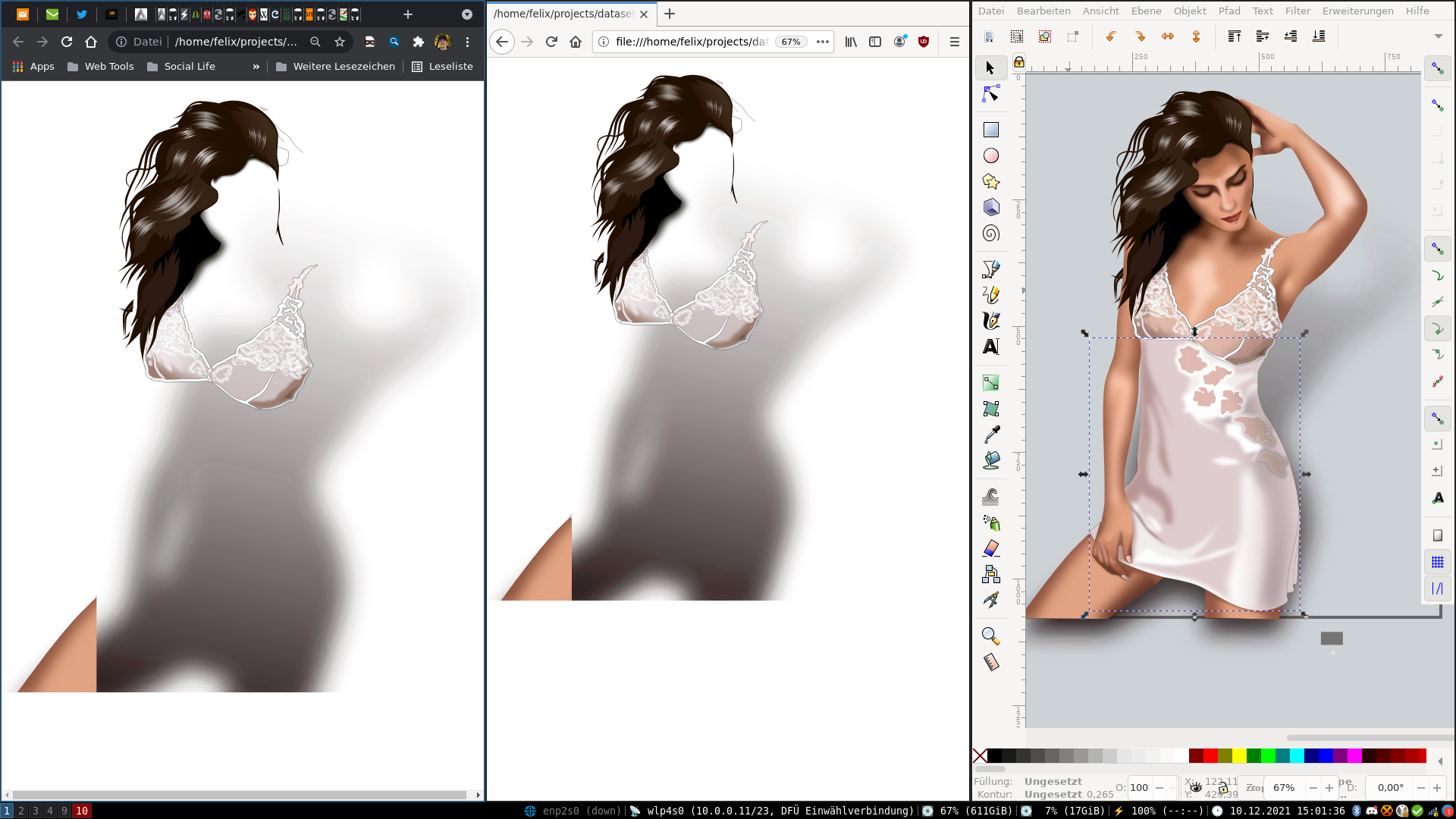
I wasn't talking about text in that case. Here's a screenshot of that image:
https://mq32.de/public/9f3cd5eb7f310139cf8acdd61edb73080d26a...
Re:TinyVG: A challenger to the throne of vector graphics
by Shared404 on Tuesday December 21, 2021 @11:01PM
(#29645477)
Huh. I'm afraid I don't know enough about Inkscape or the SVG specs to help with that, just enough to know it's a pain.
Off topic question for you though, that looks like probably i3 or dwm, did you make any modifications to Inkscape to make it more usable in a tiling wm, I always have to turn off tiling when I launch it.
If i create a image, i want that image to look exactly the same on all machines. This is sadly not the fact for SVG :(
The W3C SVG example files contain a lot of these files that make every SVG renderer explode. There's images that don't render anywhere except inkscape