And how all the k001 k1dz had lots and lots of extensions?
Well there was actually a special extension that made you even k001er: you could paste as many and whatever icons you desired into its resource fork, and it would plop them down one by one during the boot, delaying a bit between each.
Sure it took a little longer to boot, but it made you such a bad-ass!
Iirc Haiku does that in its splash screen. KDE sort of did at some point in KDE 4.x.
I would swear it was KDE 3.x in its splash screen.
https://cdn.pling.com/img//hive/content-pre1/14801-1.png

The icons at the bottom would start in grey scale and be colored as KDE was loading.
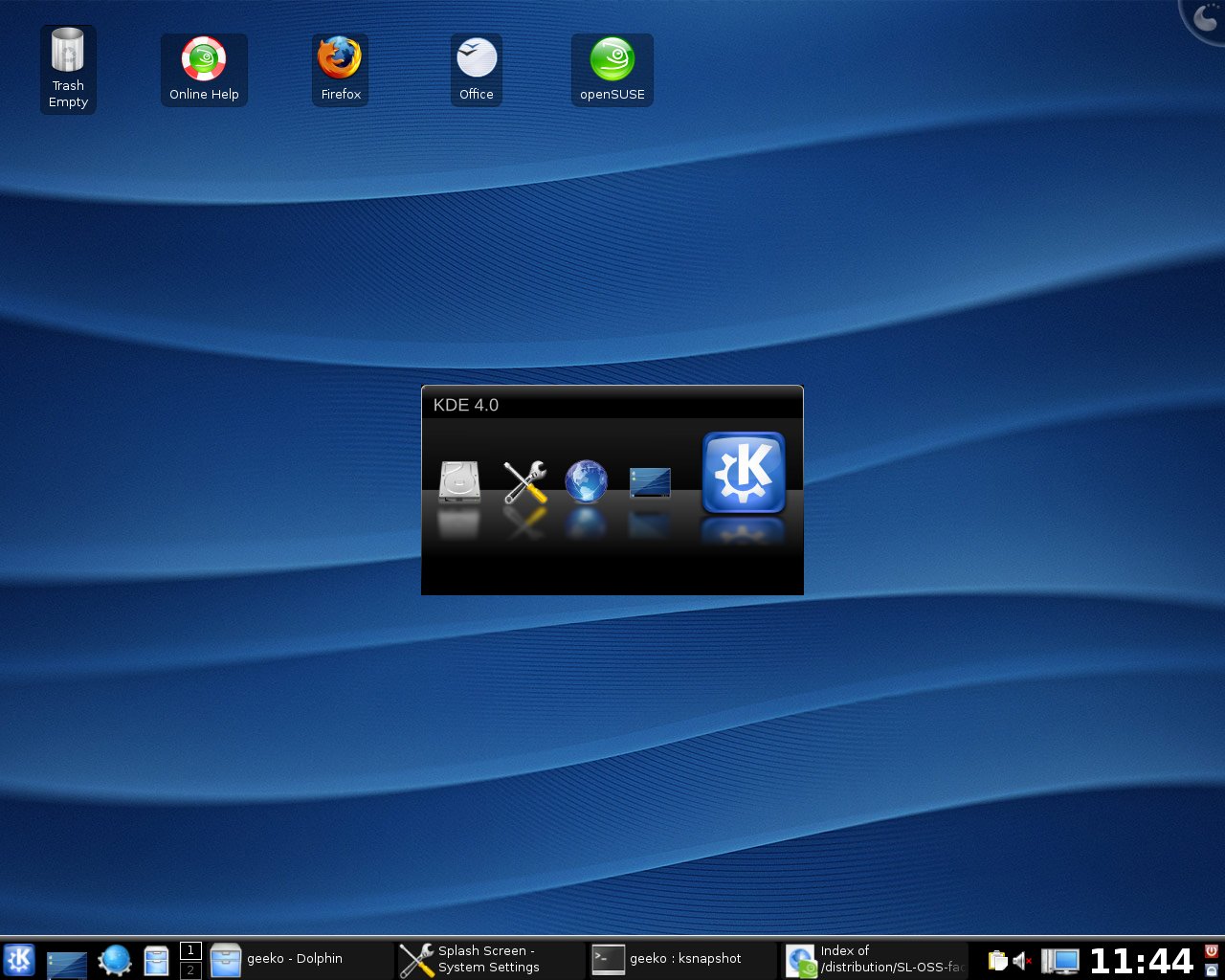
[1] basically the initial 4.0 release (which was a rewrite from scratch for the UI/Desktop component) was not usable at all as a daily driver, lots of crashes and missing features. The only thing that worked well from the start were the clock widgets, and they were showcased a lot in screenshot. I think it even reached some kind of meme status by KDE 4.1. But I cannot find any blog post / rant from the time, my search-fu is not that good.
The hope is that the app is fully loaded before you actually attempt to interact with what you see on the screen.
At least that was my perception as I used Win 10.
I'm not sure about GMail's case, but I recall Mac OS X (back when it was called that) used to do something like this. Since showing a correct progress bar doesn't make it look so nice (it might be stuck at 90% for longer than it took to get there) and might be difficult to estimate, they instead wrote the last boot time into a file and on the next boot would render a smooth progress bar that would follow the timer. In my experience it made for a reasonable estimation of the boot time and I thought it was a clever solution.