Re:How can you be fooled by the U+202E trick? (2013)
by ajuc on Wednesday February 16, 2022 @06:38AM
(#30358741)
I meant more like huge red and green exclamation mark near the file icon, not "type: Application" hidden in rarely shown places.
In linux it's pretty obvious: https://www.rootusers.com/wp-content/uploads/2018/01/gnome-t...
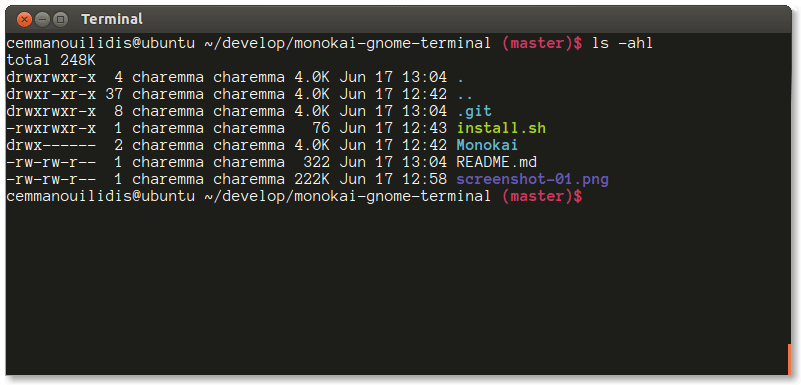
The main advantage is that the UI for opening documents (vim file) is different from the UI for running executables (./file) which is different from the UI for running executables as administrator (sudo ./file).
This makes it impossible to accidentally execute a file that looks like a document.
That already happens. If you set the "Details" view in Windows, it will display one file per row with various columns showing file metadata, including the file type. So for the example in the post, you'd see "[Word icon] annexe.doc - [the date] - Application" as opposed to "[Word icon] annexe.doc - [the date] - Microsoft Word 97 - 2003 Document".