Re:Show HN: A simple app to make Ctrl+V paste unformatted te...
by noseratio on Sunday October 18, 2020 @09:22AM
(#24817701)
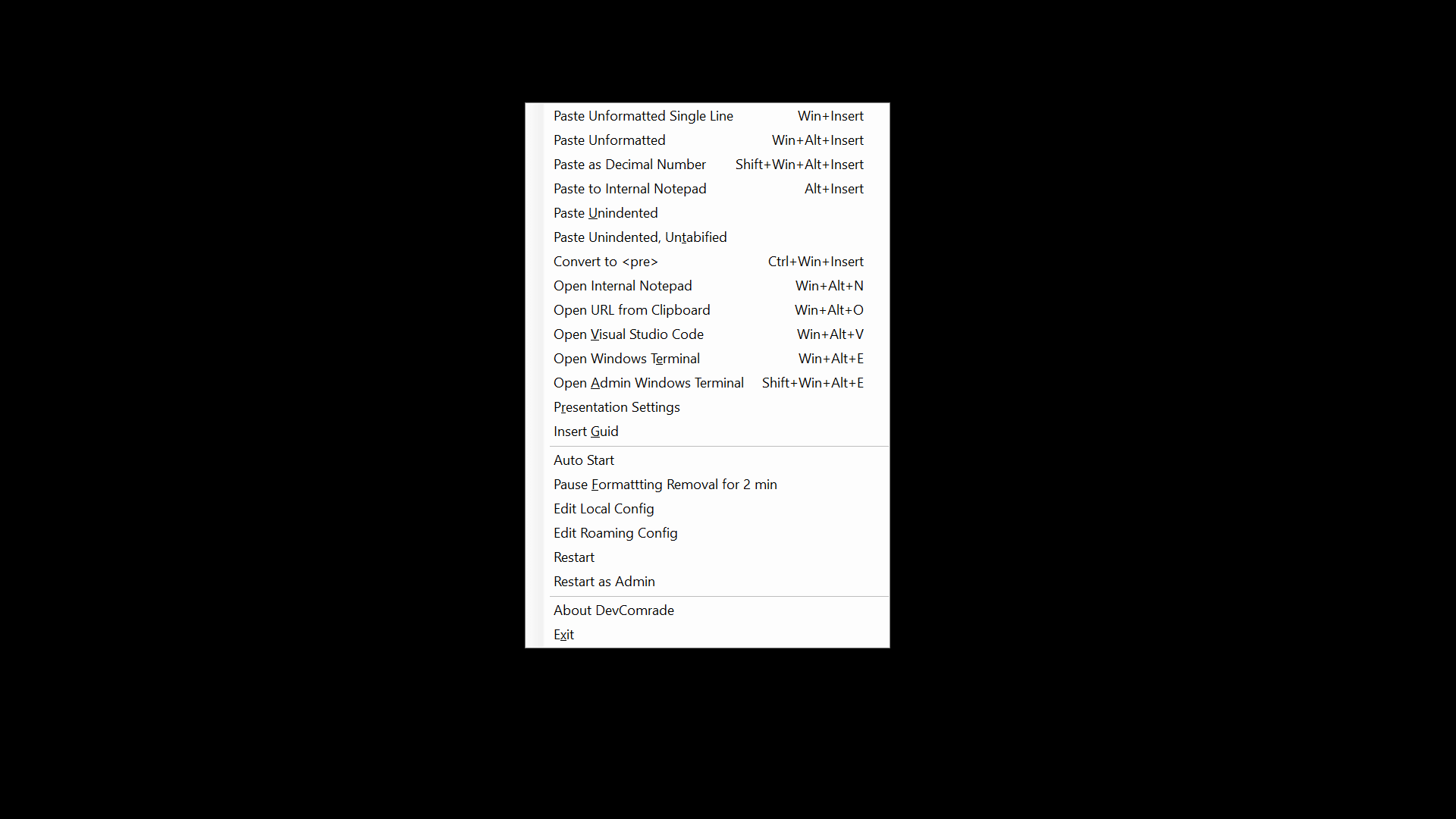
I agree with you. I first tried to come up with a universal solution using SendInput API. This shortcut is still there: Win+Shift+Ins, and it works generally well but a tad slow. So eventually I opted to stripping formatting in-place in clipboard. As a compromise, I've added a tray menu item to disable it, when a rich text paste is desired: https://raw.githubusercontent.com/postprintum/devcomrade/mai...
- Copying links.
- Copying a whole webpage and keeping headings.
- Sometimes keeping bold and italics are nice.
However when you paste something and it just preserves the font (typeface, color and size) of the entire copy it is just annoying.
Overall I think I like it most of the time. Also cook with things like GNOME Terminal's copy-as-html you can copy/past a command log with highlighting which is a killer feature. I also have a browser extension which lets my copy a bunch of Tabs as HTML links (<a href={url}>{title}</a>) which is great for pasting places that support it.
I think the real problem is that there is no universal way to drop back to plain text. Ctrl-Shift-V usually works, but it isn't universal.
This goes back to my idea that we should have Universal Semantic Shortcuts. For example instead of sending Ctrl-v to the app. My desktop environment should handle that and send a Paste event. And Ctrl-Shift-V should universally send a Paste even with just the plain text content.
I think there are a lot of common actions that could be handled like this, and it means that you can remap Paste across all your applications.
Maybe we should take inspiration from Apple and map Super-v to the Paste event and slowly transition. Since few if any Linux apps bind to the Super key (is that even possible?) it would be a good place to add these new Semantic Shortcuts.