Doesn't the combination Alt+` do what you intend to do? Alt+tab changes between different apps, and Alt+` changes between different windows of the same app.
It’s a little scary at first, but 4 major key combos are all you need.
mod+enter: open terminal
mod+d: open launcher; the default is dmenu, but rofi is amazing.
mod+h: split horizontally when opening next window
mod+v: above but vertically
I personally have a setup with i3-gaps, rofi, and polybar: https://u.cubeupload.com/Bwbw223/170E026006774C45A65E.png
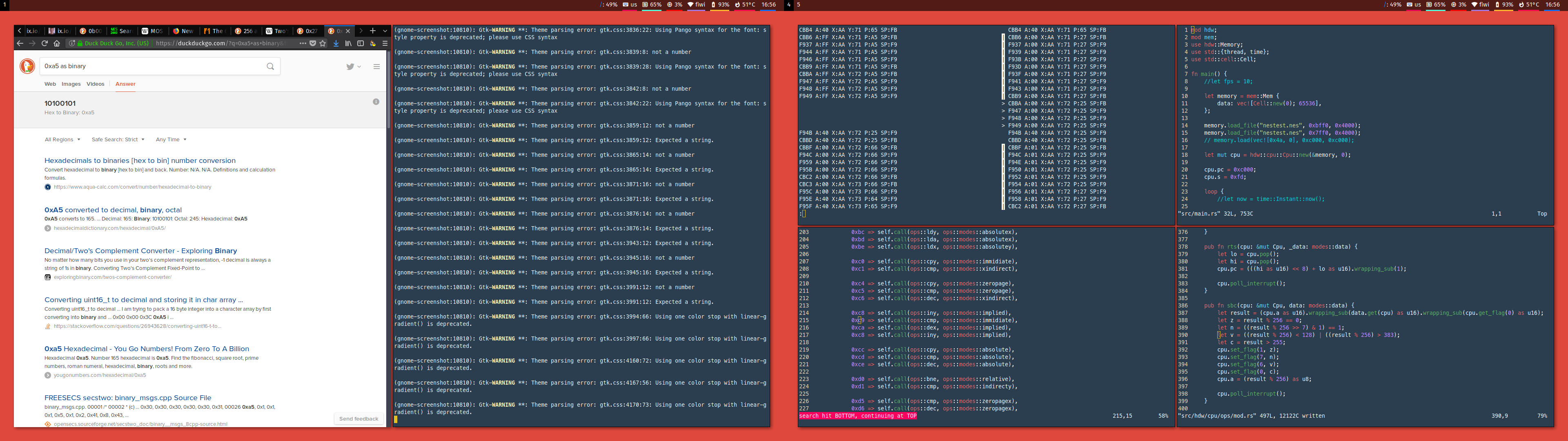
It’s a bit ugly stock, though...
Gnome is configurable using the browser.
The non-registering clicks thing, yes.
The rest...are likely just preference issues, difference in features, and intended behavior. Such as the lack of keyboard shortcuts in the alt-space menu.
Most can probably be dealt with in one way or another. It's just going to be time consuming to go dig and find out how to make the OS stay out of my way. I'll likely be going back to 16.04 soon until 18.04 gets a little more baked.
It looks like I can get Wayland with 18.04[1], so I may try that first.
[1] https://askubuntu.com/questions/1029436/enable-fractional-sc...
That describes the state of ubuntu these days. More often than not when you get an issue you can find a bug report for it to and the bug report was opened 3 versions ago, never addressed and closed automatically by a bot. It seems they've been busy chasing squirrels and ignored the desktop.
My pet peeve with all recent versions (so xorg and wayland) has been user switching not working, but at least 18.04 is the first version that doesn't boot to an unusable resolution.
I just bought a new drive, so took the opportunity to install 18.04 to see how it goes. I'm using a Latitude E7450 with a 1920x1080 touchscreen. I'm not a developer, I'm primarily a network engineer, so I spent a lot of time in terminal windows configuring routers/switches,etc... YMMV.
I hate it. Most of my hates are around the gui, likely due to the switch from Wayland/Unity. I can no longer alt-tab between open windows with one hand when you have multiple windows of the same program open. Selecting which window you want requires either using the mouse, or using the arrow keys(with right hand).
The "launcher" -- not sure what it's actually called, the equivalent of the Windows Start menu, reminds me of the jarring experience that the original Windows 8 was. It goes into full-screen task selection mode, instead of a partial window overlay like 16.04 did.
Somehow I keep grabbing the icons on the left side('favorited' programs), and then the cursor won't let them go. I wind up spamming enough buttons and keys that eventually it drops it, but a simple click doesn't do it.
Sometimes the mouse quits registering clicks. As if the OS thinks there something on top of what I'm clicking on. I click on a tab in Chrome, and nothing happens. Usually a few alt-tabs to switch active programs will clear it up.
If you touch the screen, most of the time an onscreen keyboard will pop up, and you have to move the mouse to make it go away. I understand why, but I don't use the touchscreen that way and it just gets in my way.
1920x1080 on a 14" screen it just a little too small for me to comfortably read the text at a normal distance. I used the DPI scaling in 16.04 to compensate. But the scaling in 18.04 doesn't work the same way. I changed the fonts around and sort-of got something workable, but it's not as graceful as it was in 16.04.
The alt-space window that drops down the minimize/maximize options doesn't accept keyboard commands. A common key sequence for me is alt-space, x (for maximize window) -- this doesn't work in 18.04
That's my annoyances so far that I can think of after using it for 2-3 weeks.
Things that I like? Multiple tabs in the terminal window. But I could probably get that in 16.04 too.
The network manager is better and more intuitive. I've actually caught myself using it a couple of times. 16.04's manager does nothing but fight with me constantly.
There was an annoying issue with Chrome on 16.04 that occasionally in full-screen video mode, the UI would lock up and I would have to kill -9 chrome to get it back. This hasn't happened yet in 18.04. Not sure if a chrome or Wayland issue.
The relocation of the gui window close/min/max elements doesn't bother me, either layout works for me.
I can't think of any other things that jumped out at me about 18.04, good or bad.