Uppercase letters are 0x40 + position of the letter in the alphabet, so "E", being the 5th letter, is 45, "I", being the 9th letter, is 49, and so on.
Lowercase letters are 0x60 + position of the letter in the alphabet, so "e" is 65, "i" is 69, and so on.
That also means that you can swap case by flipping a single bit (XOR with 0x20).
Finally, digits are 0x30 + the digit's numeric value (including 0), so the digit "5" is 35.
(All of these properties were very intentional on the part of ASCII's creators.)
"Hello" is
01001000 8 (h)
01100101 5 (e)
01101100 12 (l)
01101100 12 (l)
01101111 15 (o)
And when you see all zeroes, it's probably 00100000, the space character.
http://www.docklandsljc.co.uk/2016/06/unicode-cuddly-applica...
The specific slide regarding ASCII code points is here:
https://speakerdeck.com/alblue/a-brief-history-of-unicode?sl...
01101000 is h
http://www.asciitohex.com/ try and play around with it, it's fun.
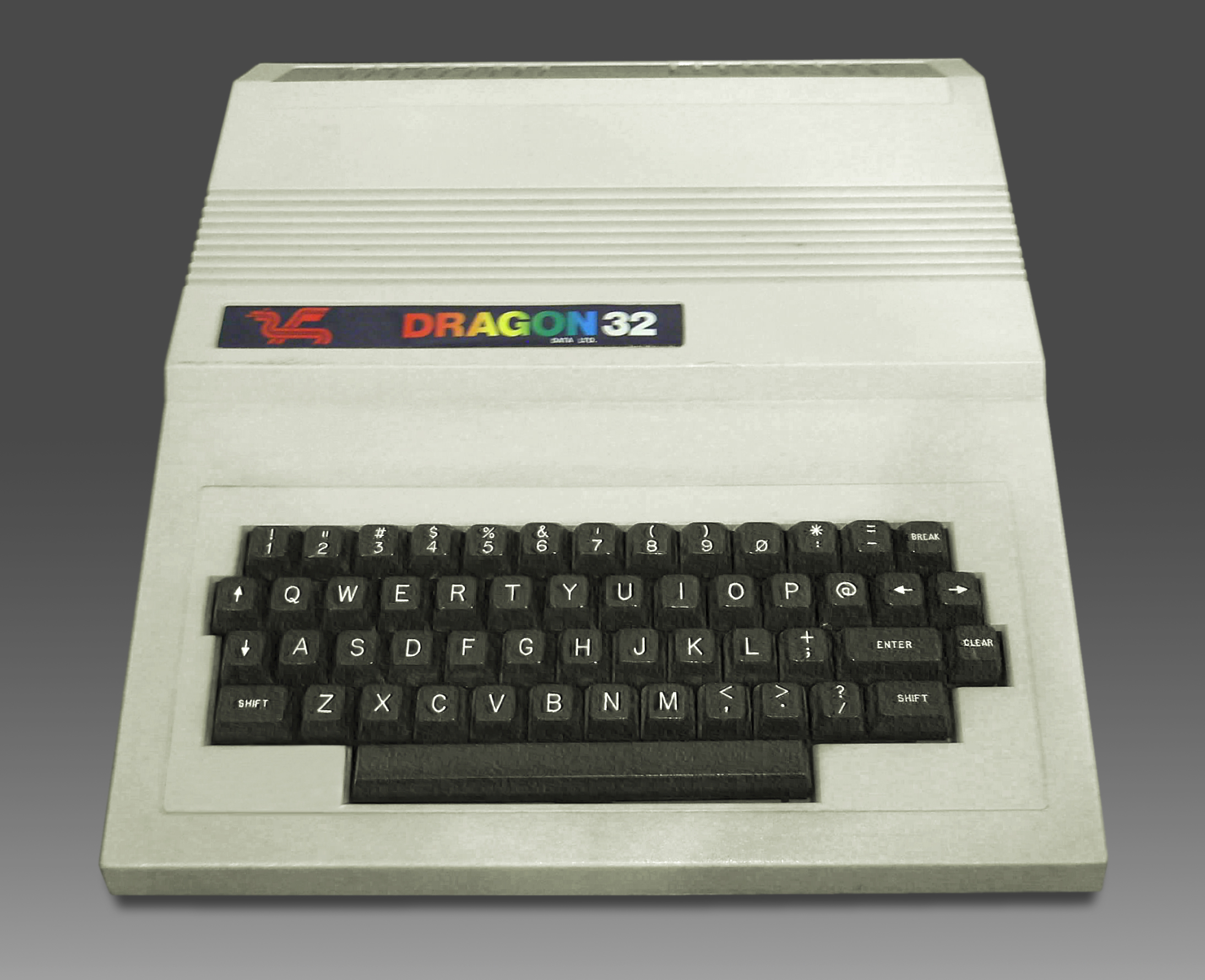
The standard US QWERTY keyboard does not quite follow this, though it is close (there's some insertions, substitutions ;)).
&[7] at 26, ([9] at 28, and )[0] at 29 are off by one in their current QWERTY keyboard positions. If we didn't have ^ and * where they are, then &, (, and ) would be in the right places to continue your pattern.
@, ^, and * don't fit the pattern at all.
I should also have mentioned this amazingly scholarly piece by Tom Jennings, that explains probably everything there is to know about where everything we've been talking about came from:
https://web.archive.org/web/20030201161943/http://www.wps.co...
Unfortunately it looks like someone else is now running wps.com so you can't get this directly at its original home anymore.
They used these four-char-codes for error codes, file formats, return values and other random things. After a while I could read and recognize the text from the HEX value of the integers. Even now I still see them pop up sometimes on iOS as error codes from random networking or filesystem errors.
I found it to be also quite draining when I was reverse engineering an old proprietary software system to develop a tool to import/export data to it. Definitely put my brain in a weird place after spending hours pouring through network dumps and determining how it all worked. It did kind of feel like that scene from the matrix where what's-his-name is staring at the streaming code on the screen, though :P
In octal a 16-bit word doesn't split up evenly into bytes, so even recognizing ASCII is difficult. For example, the string "AA" in hex is 0x4141, where each 41 is 'A' - pretty easy. But in octal, it's 040501; 0101 is 'A' but gets multiplied by 4 in the upper byte. (One thing in defense of octal: the 8080/Z-80 instruction set makes much more sense if you look at it in octal.)
It is a good example of how language effects design, than the use of hexadecimal vs octal and its impact on computer architecture.
https://news.ycombinator.com/item?id=13045558
In octal a 16-bit word doesn't split up evenly into bytes, so even recognizing ASCII is difficult.
That's true only if your hexdump is in 16-bit words; in bytes, it's just as straightforward: A-Z is 101 through 132, and a-z is 141 through 172. Incidentally, these are also where x86 puts the single-byte inc/dec/push/pop instructions.
  $ echo 'ABC' | od -bc
  0000000 101 102 103 012
          A   B   C  \n
0000004Sometimes it can save a lot of time chasing down constant factors.
or reverse engineering hardware or software :)
idle programmer mode enabled It seems that it would be possible to have special tools built and installed, which would claim the file types and have an icon with a 'no entry' symbol superimposed on the original type (ie Word icon with a red circle and line through it, for .doc etc..) .. the tool itself could be a simple program that just opened a notification saying '<tool> not installed'
If you see a file that's called "something.doc", can you tell whether it's a flyer for someone's holiday party versus another sample of that malicious RTF that's been going around this week? All the extension does is let Windows put an icon on it and dispatch it to the right application, and if the application supports multiple file formats it does the actual identification by the file header.
I was debugging a library that was a 'native' library for a scripting language and the code seemed to have a much bigger running footprint than I expected. It kept allocating this odd sized buffer, a bit over 13,000 bytes in size. Walking it back to the scripting language interface to C code the buffer it wanted was '32' bytes long but the scripting language was passing it as a string so 0x3332 bytes long. oops! Reading hex and seeing ASCII is a very useful skill to develop.