If you can provide one, I'll yield to your point. Otherwise you're just high on nostalgia
I'm not sure what exactly you think "UI/applications from before 2000" looked like and were.
You do know that, e.g. Word, Excel, Photoshop, Logic, WinAmp, Paint, Framemaker, 3ds Max, Final Draft, Lotus Domino/Agenda, Visio, QuickBooks, Cinema 4D, Encarta, Dreamweaver, ACDSee, Real Player, Outlook, AIM, ICQ, FL Studio, Maya, WinRar, WinZip, InDesign, Quark Xpress, Cubase, and countless others, commercial and freeware, including full featured KDE and Gnome DEs were made before 2000, right?
the UI back then were fucking trivial, youre deluding yourself if you think anything else.
Lets go through your first examples one-by-one, as the theme continues i will stop at some point.
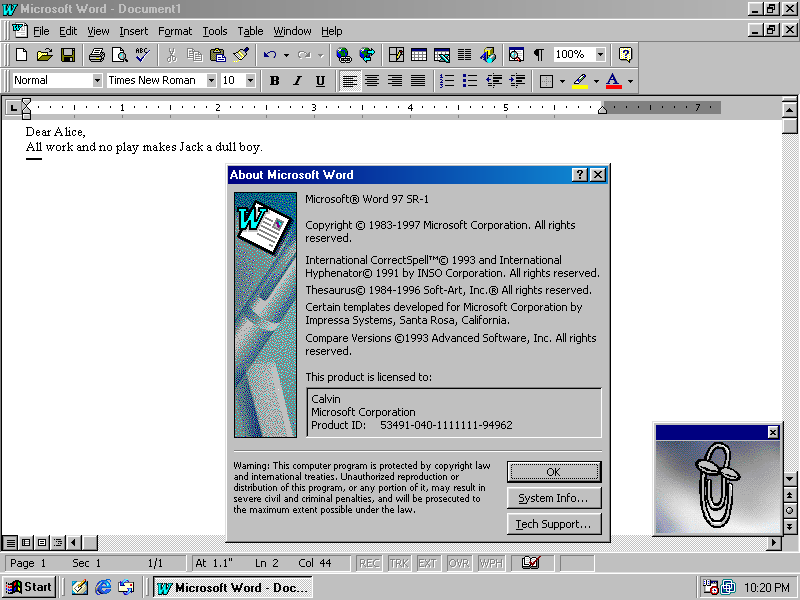
* Word: literally just 1 menu/text, 2 rows of icons. And a range picker. you can do that within ~15 minutes even as a beginner.
https://winworldpc.com/res/img/screenshots/97-98-11f3805bab5...
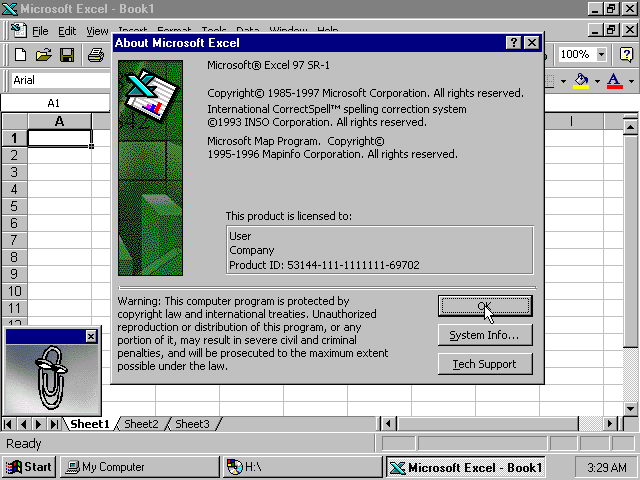
* Excel: same as word, with the addition of a grid in the body. the challenge is in chaining together the cells. trivial as hell -- as long as you ignore the application/domain logic, which would've been just as complicated back then. https://winworldpc.com/res/img/screenshots/57db2161e19c9e95d...
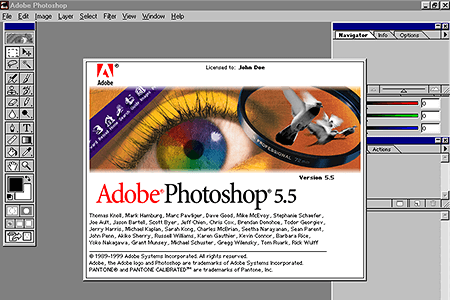
* slightly challenging for someone that hasn't encountered flex. extremely easy -- albeit time consuming just because of the quantity of buttons. still doable within <1h. https://www.webdesignmuseum.org/uploaded/old-software/graphi...
* logic: once again, the challenge is in the domain. the UI itself is just buttons in rows. trivially done by simple flex rows. https://www.muzines.co.uk/images_mag/articles/mt/MT_93_04_no...

* winamp 2.5: once again, trivial to do. creating this UI -- without the domain logic of actually playing the music etc behind it -- can be done within <1h. https://preterhuman.net/software/wp-content/uploads/2018/08/...

It goes on and on. Every single example youre citing is just rows and rows of icons. Thats extremely easy to implement with pure html and trivial css.
give any of these UIs to an experienced frontend dev and they'll provide you with a click dummy within 15 minutes to 3hours, depending on the quantity of elements on it.
I'd be pointless, precisely because nobody cares about such trivial UIs anymore... But hey, whatever floats your boat, right?
And everything I wrote here is ignoring the fact that every one of your example was the opposite of easy back in the 90s. They were developed by whole teams over years to get to that point. And duplicating this with html5 is trivial, that itself should tell you how much easier it's gotten if you just don't chase the hippest tech that's fotm right now
oooh, i see. you edited it out of your initial comment back then and i didn't notice.
I guess you realized how dumb that statement was and couldn't man up to it.
> Developers like you and I are a dying breed. We remember writing applications for operating systems that had straightforward APIs, and OS developers that worked hard to ensure any app which used those APIs would not break.
> Most "full-stack" developers I know that write web apps have literally never written a line of C++ in their life, let alone written a rich text editor using an object oriented desktop GUI API.
> They don't know it's not supposed to hurt.
HN doesn't allow editing comments outside of a very short edit window.
That's like your opinion, man.
First, it's not the invidual APIs themselves, it's several layers of APIs, and combinations thereof.
In traditional desktop UIs you just placed widgets together in a form/panel, hooked events, and wrote your application - normally all in the same language and with a single bundle of APIs from your lib (e.g. the Delphi API, the QT API, MS's API).
In web dev (I do both), it's an endless layer upon layer of cruft. Even just the browser UI base layer alone has HTML, CSS, JS, the DOM, SVG, Web Components and shadow DOMs, and several other items besides. Then there are the differences and incompatibilities between engines, between desktop and mobile, and so on.
Then there's the pre-processing of all those, JS (or typescript), bundlers stuff like Webpack, minimization and map files, then there are Frameworks like Next/React/Angular/Vue, and different varieties.
We haven't even touched the backend of those, written in the same (Node) or different languages, and with its own layers added.