https://estore.wacom.com/media/Global/Products/accessories/p...
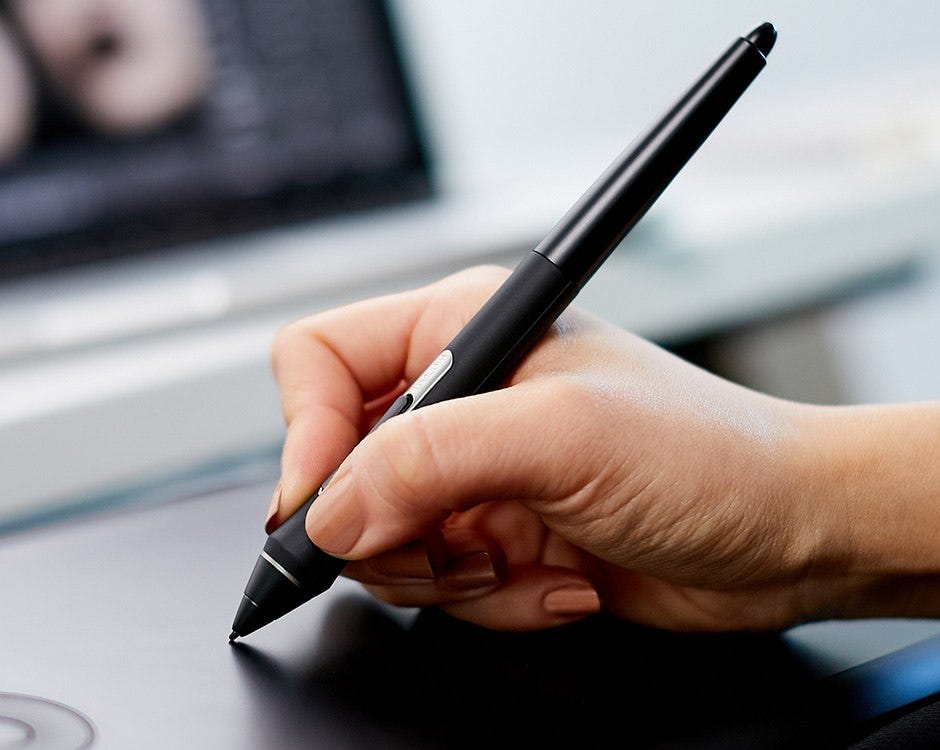
I can use the pro pen 2 all day and not feel issues with my fingers or wrists. The apple pencil requires me to use some goofy silicone addons to make it ergonomically functional if you plan to use it for more than an hour. Plus those add ons get in the way of mounting the pencil magnetically, often get in the way of using the touch buttons, and limit what cases you might use.
This is the silicone add on I use, which ergonomically makes the apple pencil an actual functional tool that doesn't hurt hand/fingers/wrists.
https://www.amazon.ca/gp/product/B0C21XNJJC/
The apple pencil is a pretty 'ok' tool if all you're doing is the occasional sketch. The apple pencil + ipad is a nice drawing platform because its almost always the one you have with you.
It's not so much better than a dedicated drawing platform on computer - a proper wacom drawing display. But thats a dedicated device, and costs as much as an ipad, so you pay more for the better product + the computer.
I still use my iPad (and I imagine the author does to) because there are things it does SO much better than a computer — even beyond consumption.
Using the Apple Pencil with apps like Notability, Procreate and Lightroom is IMHO so much better than the equivalent experience on desktop.
Notetaking on computers has been sorely lacking basically forever. Being able to quickly take notes, interspersed with sketches, arrows, and symbols, and layout the page exactly how I want — just how I’d do it in a physical notebook — is awesome.