News for hackers. Stuff that matters.
Re:Google May Kill Chrome URL Bar by SandB0x on Sunday February 20, 2011 @03:09PM (#2242866)
One of my favourite things about Chrome is its efficient use of vertical space. Here's Chrome side by side with Firefox on my laptop:

http://i.imgur.com/7Sda0.png

(in fact, when Chrome is maximised the space above the tab disappears, saving another 15 or so pixels)

Would be very happy with a little more room though. The compact mode looks good, as long as the keyboard shortcuts (Ctrl+k or Alt+d) still work.

Edit: Thanks, will look into your suggestions. These are the basic installs of Chrome and FF however, so I think it's a fair comparison.

Re:Google May Kill Chrome URL Bar by sliverstorm on Sunday February 20, 2011 @03:33PM (#2242956)
It's amusing how the switch to widescreen monitors have made vert the limited resource now, rather than horiz. All our UI layout practices were invented on 4:3.
Re:Google May Kill Chrome URL Bar by G_Wen on Sunday February 20, 2011 @06:04PM (#2243436)
To combat this problem I've put by tabs on the left:

http://i.imgur.com/S05lg.png

Since I'm using a 16:10 monitor it works out nicely. Opera also has a problem of not clicking the tab if you put your mouse all the way at the top of the screen when the tabs are at the top of your browser. However if your tabs are on the side you can throw your mouse to one side and be guaranteed to click a tab.

Re:Google May Kill Chrome URL Bar by ashleyw on Sunday February 20, 2011 @06:20PM (#2243487)
To me, your content area is just way too big. Though, it seems to be a common habit of Windows users to maximise everything, for some reason. I fit my Dock (left), browser, Twitter client and terminal on the same size screen as that, very happily!
Re:Google May Kill Chrome URL Bar by jbri on Sunday February 20, 2011 @07:28PM (#2243656)
I would guess it's because window management on Windows (at least until 7) was just Too Hard. 7 improves things a lot, but it's still not as good as it could be.

If you bring up a window, and it's too small, you could either: A. Drag it to where you want it, and then fiddle around resizing it so that it's big enough and doesn't overlap anything else important, or B. Maximize it in one click, do what you need, minimize it again.

Additionally, Windows windows have lots of chrome when unmaximized, and this tends to discourage heaps-of-small-windows layouts.

Re:Google May Kill Chrome URL Bar by unfasten on Sunday February 20, 2011 @10:25PM (#2244128)
>...either: A. Drag it to where you want it, and then fiddle around resizing it so that it's big enough and doesn't overlap anything else important...

Try out Winsplit Revolution. The help page gives a nice overview of the functionality: http://www.winsplit-revolution.com/help

It's free and works great for positioning windows. You can position windows using hotkeys and create custom positions/window sizes. WIN+ALT+Numpad 7 will place and resize a window in the top left of the screen, WIN+ALT+Numpad 6 will place a window on the right side of the screen and take exactly half the width, etc. It's become second nature to me and I rarely have to worry about manually placing a window.

Re:Google May Kill Chrome URL Bar by ashleyw on Monday February 21, 2011 @07:41AM (#2245200)
Also Divvy for OS X which does the same kind of thing.
Re:Google May Kill Chrome URL Bar by andybak on Monday February 21, 2011 @05:30AM (#2244973)
I only want the windows visible that are relevant to the task. That usually means one window - possible two. I want everything else invisible including bits of my desktop peeking through the edges. It's all just clutter.

How on earth you work with Twitter always visible onscreen I don't know. Do you get anything done!?

Re:Google May Kill Chrome URL Bar by ashleyw on Monday February 21, 2011 @11:23PM (#2248722)
It's not, I do all work in a separate space.
Re:Google May Kill Chrome URL Bar by G_Wen on Sunday February 20, 2011 @06:40PM (#2243554)
Well what this picture doesn't show is my second monitor which I'm using to run chat and other misc. programs. Screen space is not much of an issue for me but I try to be efficient with it by putting my tabs on the left.
Re:Google May Kill Chrome URL Bar by usaar333 on Sunday February 20, 2011 @05:07PM (#2243282)
Aside question: Why is it so hard to get 4:3 or even 16:10 monitors new these days?
Re:Google May Kill Chrome URL Bar by psadauskas on Sunday February 20, 2011 @05:11PM (#2243295)
Because the bulk of LCD panels come in HD-TV scales, which is 16:9 (1920x1080 for 1080p, for example). Its cheaper for the manufacturing plants to only have to deal with one ratio.
Re:Google May Kill Chrome URL Bar by megablast on Sunday February 20, 2011 @05:41PM (#2243381)
I thought it came about because screens are measuered in diagonal distance, and the diagonal distance for 16:9 screens contains less pixels than for 4:3, so they are cheaper to make.
Re:Google May Kill Chrome URL Bar by psadauskas on Sunday February 20, 2011 @06:20PM (#2243486)
4:3 vs widescreen seems to come down to its what most people are used to, and so its what the majority (sadly, not us nerds wanting as much vertical as possible) buy.

I was referring to the very few 16:10 monitors available now, almost all of them are 16:9.

Re:Google May Kill Chrome URL Bar by jluxenberg on Sunday February 20, 2011 @05:44PM (#2243387)
Another thing you can do is buy a smaller 16:9 one and rotate it 90 degrees. If you set up two side-by-side in this configuration, you've got a display which is almost square.
Re:Google May Kill Chrome URL Bar by InclinedPlane on Sunday February 20, 2011 @06:02PM (#2243431)
It's not hard, it just costs money. Dell has an excellent line of high quality monitors (e.g. the 24" IPS U2410).
Re:Google May Kill Chrome URL Bar by psadauskas on Sunday February 20, 2011 @06:24PM (#2243502)
...which costs almost as much ($600 vs $800) as the 27" 16:9 U2711. 1920x1200 @ 16:10, or 2560x1440 @ 16:9. I know I'd prefer 2560x1600, but I don't know if the even make them. Apple's 27" and 30" displays are 16:9, too.
Re:Google May Kill Chrome URL Bar by pilif on Monday February 21, 2011 @02:01AM (#2244574)
the 30" display is 2560x1600 (16:10), also, it's now supposed to be superseded by the 27" display (2560x1440) which makes me hope my 30" doesn't break down any time soon as I want my 200 extra pixels.
Re:Google May Kill Chrome URL Bar by zargon on Monday February 21, 2011 @08:50AM (#2245359)
I haven't seen any news that the u3011 is being discontinued, where did you hear that?
Re:Google May Kill Chrome URL Bar by bad_user on Monday February 21, 2011 @01:32AM (#2244501)
I have a 16:10 monitor, I had no idea it is hard to get one.
Re:Google May Kill Chrome URL Bar by mcclung on Sunday February 20, 2011 @04:12PM (#2243100)
When I finally made the switch from a 4:3 panel to something widescreen, I had to find some that were 16:10.
Re:Google May Kill Chrome URL Bar by mryall on Sunday February 20, 2011 @03:30PM (#2242948)
The compact size comes mainly because Chrome has discarded the default window format, title bar and menu bar. An interesting question to ponder is, What if every application did that? Wouldn't your desktop experience be much more confusing due to the inconsistencies in how each application was laid out?
Re:Google May Kill Chrome URL Bar by code_duck on Sunday February 20, 2011 @04:53PM (#2243237)
Personally, I go back and forth between Linux, Mac OS and Windows so I'm used to inconsistency.

Also, the applications I use are already highly inconsistent:

- Gimp has an interface which discards the patterns present on every platform in existence

- Browsers are already all different - Safari, Chrome, FF

- Kate, Komodo and Notepad++ are all pretty different - then there's vi.

Re:Google May Kill Chrome URL Bar by jberryman on Sunday February 20, 2011 @05:59PM (#2243428)
> Gimp has an interface which discards the patterns present on every platform in existence

Do you say that because of the multiple windows? If so Apple's Interface Builder seems to follow the same convention.

Re:Google May Kill Chrome URL Bar by code_duck on Sunday February 20, 2011 @06:32PM (#2243532)
It is somewhat similar to Mac applications, but where's the menu bar at the top? Gimp doesn't even use the functionality present for that on Mac OS or Linux, instead putting a menu into each image window.
Re:Google May Kill Chrome URL Bar by MartinCron on Sunday February 20, 2011 @07:28PM (#2243660)
Gimp is an example of how much non-standard YX can hurt.
Re:Google May Kill Chrome URL Bar by Groxx on Sunday February 20, 2011 @03:52PM (#2243028)
If every one did it that well, I say they're welcome to it. Few do / would, but despite all being capable of it now, few attempt. That probably wouldn't change much.
Re:Google May Kill Chrome URL Bar by grishick on Sunday February 20, 2011 @06:10PM (#2243454)
Most important is that by doing so Google is taking another step towards reinforcing the idea that Google is the door through which we access information. As typing in long URLs becomes less common (thanks to URL shorteners), shortening of the URL bar becomes less inconvenient. Furthermore, Google reinforces the idea that you should always type what you are looking for and then click on a link that Google finds for you.
Re:Google May Kill Chrome URL Bar by evilduck on Sunday February 20, 2011 @07:39PM (#2243684)
I may be reading you wrong, but your post implies Google has some ulterior motive or that there's some trade imbalance by reinforcing that behavior. I find my interactions with Google to be pretty fair and explicit (they're going to attempt to monetize the information I give them, in exchange for pretty awesome services).
Re:Google May Kill Chrome URL Bar by pronik on Friday February 25, 2011 @06:42PM (#2264251)
My experience might be dated, but I remember having a Windows desktop around 2000 where each and every application tried to introduce "skins" to look distinctively not like a desktop application. Remember WinAMP? There were tons of applications like that then. Damn, even the same InstallShield installers looked different by application!
Re:Google May Kill Chrome URL Bar by ElbertF on Sunday February 20, 2011 @03:15PM (#2242889)
I've customized my Firefox to be more compact than Chrome: http://i.imgur.com/fPG3k.png
Re:Google May Kill Chrome URL Bar by kingsidharth on Sunday February 20, 2011 @03:21PM (#2242904)
How did you do that?
Re:Google May Kill Chrome URL Bar by shii on Sunday February 20, 2011 @04:09PM (#2243091)
The blue icon to the top left shows that this is Minefield[1] (codename for nightly builds of Firefox). Also, it has a dropdown arrow, showing that this is probably using the Hide Menu Bar[2] addon. The lack of usual menubar/chrome of the browser can be explained by the use of Awesomewm[3] or dwm[4]. Firefox 4+ builds all have the same tabbing as in the screenshot. Also, the bookmarks toolbar has been dragged to the same line as the addressbar and all bookmarks and bookmark folders have no name, thus only showing their favicons, which is the default behavior. Also, the grandparent comment has apparently moved the status bar to the top, on the same level of the tabs. This is new to me, and maybe the default behavior in current nightly builds of Firefox.

If I may be so bold, I'd wager this author is using Arch Linux, since awesomewm is very popular with that group of users, and because of the rolling-release cycle nature of Arch, resulting in the latest builds of Firefox.

[1]: http://www.mozilla.org/projects/minefield/

[2]: https://addons.mozilla.org/en-us/firefox/addon/hide-menubar-...

[3]: http://awesome.naquadah.org/

[4]: http://dwm.suckless.org/

Re:Google May Kill Chrome URL Bar by toni on Sunday February 20, 2011 @07:04PM (#2243608)
> Also, the grandparent comment has apparently moved the status bar to the top, on the same level of the tabs. This is new to me, and maybe the default behavior in current nightly builds of Firefox.

That's not the status bar, it's a couple of toolbar buttons dropped on the right side of the tabbar. Minefield doesn't have a status bar anymore. It's renamed to "Add-on Bar" and is used only for placing addons' icons.

Re:Google May Kill Chrome URL Bar by shii on Sunday February 20, 2011 @08:23PM (#2243826)
Sweet, didn't know about the new change in Minefield. Thanks for the heads up!
Re:Google May Kill Chrome URL Bar by toni on Sunday February 20, 2011 @08:56PM (#2243903)
Firefox 4 (out-of-the-box and on the surface) is going to look more and more like the current Chrome. A new breed of Firefox extensions will surface very soon to hack away a lot of ui stuff back to 3.6 (Namoroka) branch. ("classic" status bar, "classic" tabs, things like that...)
Re:Google May Kill Chrome URL Bar by ElbertF on Sunday February 20, 2011 @08:05PM (#2243773)
Close! It's actually Xmonad on CrunchBang Linux and I'm using the Compact Menu addon. There is no status bar, I just placed the icons to the tab bar.
Re:Google May Kill Chrome URL Bar by ElbertF on Sunday February 20, 2011 @07:57PM (#2243746)
Just by moving stuff around. Addons to the tab bar, bookmarks to the address bar. I used an addon to compress the menu and moved it to the tab bar as well. I then removed the empty menu and bookmarks toolbars. I'm using Firefox 4. Oh and having no window decorations helps too.

https://addons.mozilla.org/en-us/firefox/addon/compact-menu-...

Re:Google May Kill Chrome URL Bar by toni on Sunday February 20, 2011 @03:49PM (#2243014)
Firefox 4 (Minefield) has the option to stack tabs on top.
Re:Google May Kill Chrome URL Bar by Groxx on Sunday February 20, 2011 @03:54PM (#2243037)
Does it do that always though, or only in full-screen? The 4 betas do it in full screen on Windows, never explored in OSX. I essentially never browse full-screen, there are too many 960px fixed-width websites out there, so it's just wasting 500px where I can have other things open.
Re:Google May Kill Chrome URL Bar by toni on Sunday February 20, 2011 @04:06PM (#2243077)
On Windows, Minefield nightly does it in normal mode. In full-screen mode you don't see any ui element at all. By the way, "Tabs on Top" is an option accessible by main context menu. You can enable/disable it just like menubar and bookmarks toolbar.
Re:Google May Kill Chrome URL Bar by Groxx on Sunday February 20, 2011 @04:08PM (#2243088)
sorry, meant "maximized". Full-screen is a bit different, yes.

I don't know that I've seen the "tabs on top" preference... they're always on the top, with plugins doing side-tabs. I'll look for it some time though.

Re:Google May Kill Chrome URL Bar by toni on Sunday February 20, 2011 @04:44PM (#2243205)
Yes, you can see them also with maximized window. Here is a screenshot to find the option: http://i.imgur.com/6JJcU.jpg

I think they enabled it by default a while back to further match Chrome ui.

Re:Google May Kill Chrome URL Bar by kejadlen on Monday February 21, 2011 @02:31AM (#2244642)
Me too (http://min.us/mvj29Ld), mainly using Pentadactyl[1].

[1]: http://dactyl.sourceforge.net/pentadactyl/

Re:Google May Kill Chrome URL Bar by pc-pro-schools on Sunday February 20, 2011 @04:50PM (#2243224)
sexy...
Re:Google May Kill Chrome URL Bar by jmillikin on Sunday February 20, 2011 @07:43PM (#2243691)
If space is important, have you considered moving Firefox's menus around so it's more compact? The whole point of using Firefox over a less customizable browser is to make it fit your own needs. For example, this is what I use on my laptop:

http://i.imgur.com/hQy42.png

Re:Google May Kill Chrome URL Bar by niels_olson on Sunday February 20, 2011 @08:31PM (#2243855)
The most significant improvement I've seen is the ratio of vertical to horizontal pixels introduced by side tabs. I have been using these on my cr-48 for a couple of weeks and I'm completely addicted. My only complaint is that the developer chose a stack metaphor instead of a reading metaphor, so new tabs appear above, instead of below. I and others have complained about it in the bug tracker, so hopefully that gets fixed, but over all, side tabs are a great re-use of all the wasted horizontal pixels on a laptop.
Re:Google May Kill Chrome URL Bar by immad on Sunday February 20, 2011 @08:26PM (#2243836)
Tree style tabs are awesome. Wish Chrome had them
Re:Google May Kill Chrome URL Bar by nooneelse on Sunday February 20, 2011 @03:21PM (#2242905)
If you want to reduce the vertical space taken by the interface in Firefox, you can easily turn off the menu bar and use something like the LittleFox theme for smaller icons.
Re:Google May Kill Chrome URL Bar by jules on Sunday February 20, 2011 @08:16PM (#2243806)
Here is my setup with a comparison to yours:

http://dl.dropbox.com/u/388822/setup.png

I put the start bar on the left. My chrome window also seems to be more compact. The vertical space extends all the way to the bottom of the screen (no bars).

Re:Google May Kill Chrome URL Bar by Groxx on Sunday February 20, 2011 @03:51PM (#2243020)
For comparison, Safari vs Chrome (made a while ago, because I found it an interesting phenomenon): http://dl.dropbox.com/u/363028/temporary/height.png
Re:Google May Kill Chrome URL Bar by bradleyland on Sunday February 20, 2011 @04:34PM (#2243168)
I frequently use Safari with the URL bar collapsed (cmd-shift-| [that last character is a pipe]) and no bookmarks bar (cmd-shift-b). I love the extra space for content and the reduced distraction. It really gives web pages the appearance of floating documents on your desktop.
Re:Google May Kill Chrome URL Bar by Timothee on Sunday February 20, 2011 @07:25PM (#2243647)
I used to do that as well (mostly before switching to Safari), and I would also remove the status bar (Cmd+/ to toggle it). Cmd+L would bring the URL bar when needed. A very zen look overall.

The one thing that I missed the most in the status bar was not seeing the URL links were going to. Chrome actually has a good solution for that. (it shows on top of the page at the bottom when hovering a link)

An even more minimalistic browser is Plainview. (http://barbariangroup.com/software/plainview)

Re:Google May Kill Chrome URL Bar by ptomato on Sunday February 20, 2011 @08:01PM (#2243759)
Try the gentle status bar extension. (Available in the Safari extension gallery.)
Re:Google May Kill Chrome URL Bar by Groxx on Sunday February 20, 2011 @08:12PM (#2243797)
There are a fair number that do this. I've been using Invisible Status Bar: http://dbergey.github.com/
Re:Google May Kill Chrome URL Bar by burgerbrain on Sunday February 20, 2011 @03:15PM (#2242884)
Try dropping window decorations. I did over a year ago and after the first day haven't missed them at all.
Re:Google May Kill Chrome URL Bar by vijaydev on Sunday February 20, 2011 @04:12PM (#2243098)
Dumb qn: What are window decorations?
Re:Google May Kill Chrome URL Bar by adbge on Sunday February 20, 2011 @04:41PM (#2243196)
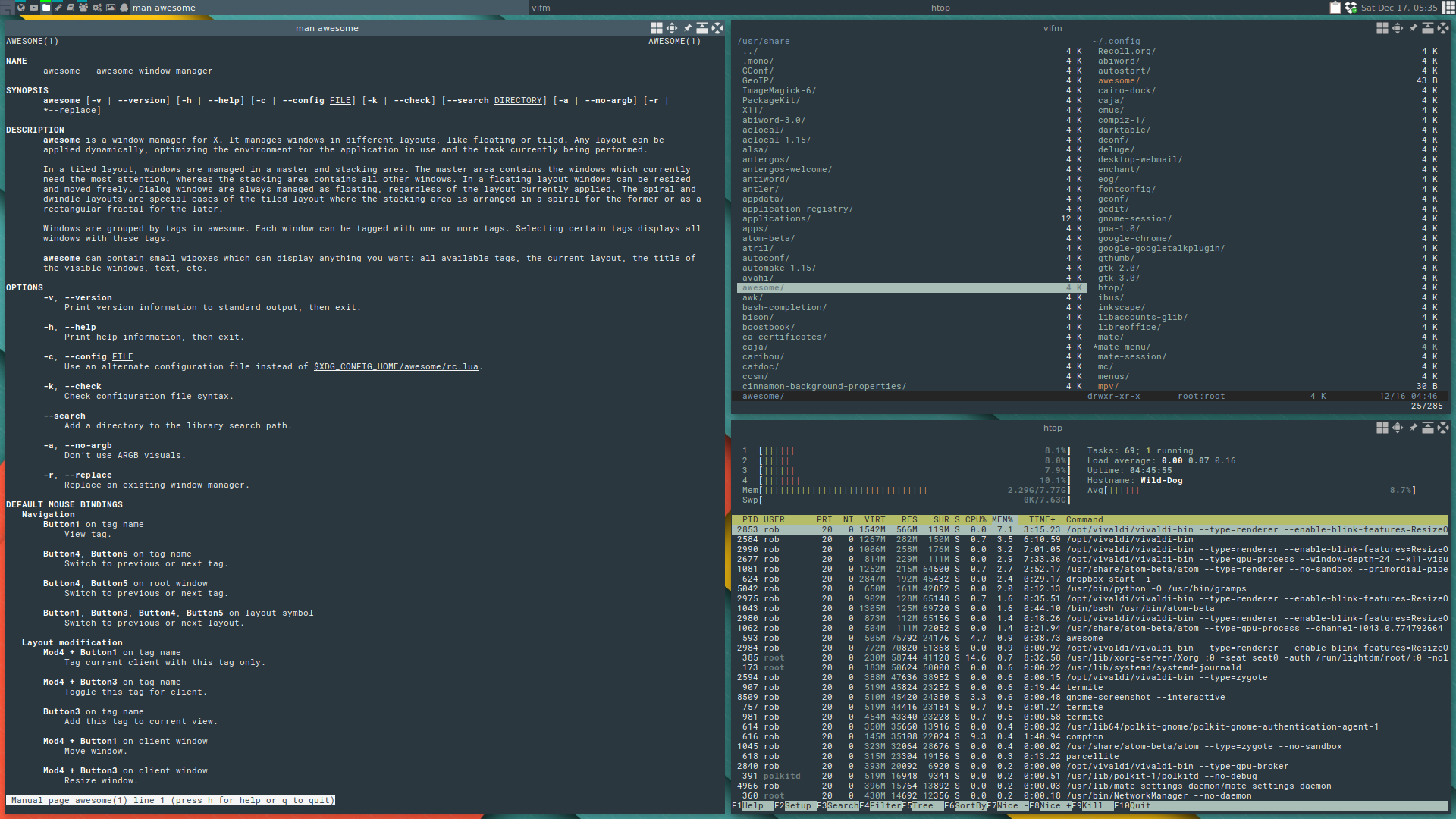
The borders around a program, including the title bar.

Some examples of a desktop without window decorations: http://awesome.naquadah.org/images/screen.png http://www.linuxlinks.com/portal/content/reviews/WindowManag...
Re:Google May Kill Chrome URL Bar by sp332 on Sunday February 20, 2011 @10:56PM (#2244198)
The Firefox 4.0 beta is much better on Windows 7. http://i.imgur.com/iFGU8.png But for some reason the menu bar still shows up by default on Linux (you have to press the Alt key to show the menus on Win7).
Re:Google May Kill Chrome URL Bar by code_duck on Sunday February 20, 2011 @04:47PM (#2243216)
Have you tried FF 4? You're comparing the most recent version of Chrome to an older version of Firefox. That does highlight, of course, why FF is looking to change their release schedule.