Re:Firefox is back. It's time to give it a try
by seba_dos1 on Thursday June 21, 2018 @10:42AM
(#17365581)
Exactly this! I'm also using Tab Center Redux to have tabs on the left side, which seems better UX- and space-wise for me even with just a few tabs open, although in the past I've used Firefox's default UI as well for a long time and it worked fine, unlike Chrome's UI.
This is how my Firefox looks like:
https://dosowisko.net/Screenshot_20171030_203716.png

https://dosowisko.net/Screenshot_20171030_203804.png
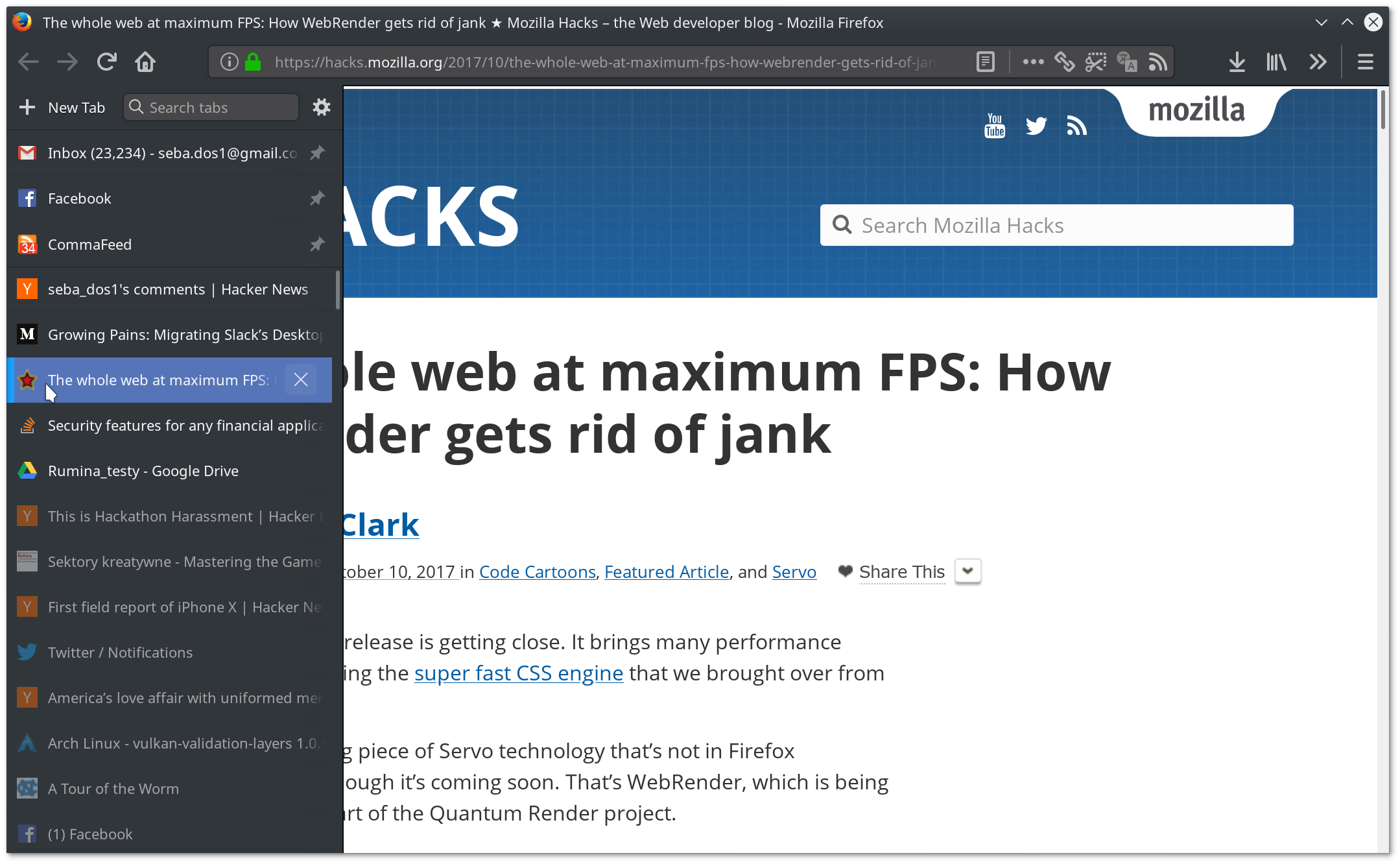
Once a while I'm getting to 1000-2000 open tabs and this is a point where the whole UI starts to feel a bit heavy, which is the only reason I clean them up then - navigating is a non-issue.
Re:Firefox is back. It's time to give it a try
by AlphaGeekZulu on Friday June 22, 2018 @05:32AM
(#17372662)
I wonder how you shrink the sidebar to icon size and remove the standard tab bar from Firefox??
Re:Firefox is back. It's time to give it a try
by AlphaGeekZulu on Friday June 22, 2018 @06:13AM
(#17372830)
Found the answer in the custom CSS manual of Tab Center Redux...
Second, when you type stuff into the address bar Firefox searches through opened tabs and suggests switching to that. This minimizes the number of times you'd open a new tab.
Third, there are many addons that help you organize your tabs. There are ways to search for tab content, group them into containers, find duplicates, etc.
How to start having many tabs open? Just change your MO when you use the browser. Want to search for something? Hit new tab and go. Researching something? Open every link you find somewhat promising in a new tab. When you have 200+ tabs opened, another 8-12 won't be a big change. Done with your research? Why close tabs? Just keep them open in case you'll need them later.
Often when I work on a project for, say, half a year I don't close tabs at all, and keep getting back to stuff I accidentally stumbled upon 2-3 months ago. It's very helpful at times to be able to dig stuff up one tab away. One could argue that bookmarks and history could be as helpful, but in practice when you switch to an old tab you see the context around it. What else I was looking at at that time, often information in the neighboring tabs is relevant, yet bookmarks and browser history don't have a good UI to surface it if front of you.
Yes, your browser becomes a memory hog, but as people noticed Firefox has means to compensate that. At 200+ tabs it consumes significantly less memory than Chrome (even with Chrome's load on demand turned on).
It takes time to get used to, and ones or twice a year you'd be doing tab cleaning, but I've being using browsers like this for 15+ years and really see benefits in this workflow.
For context: right now I have 330 tabs opened, Firefox consumes 1.8 GiB of RAM