Re:Leaving htop running freezes macOS High Sierra
by ghostcluster on Saturday January 06, 2018 @05:32AM
(#16084688)
> I am always baffled by these reports.
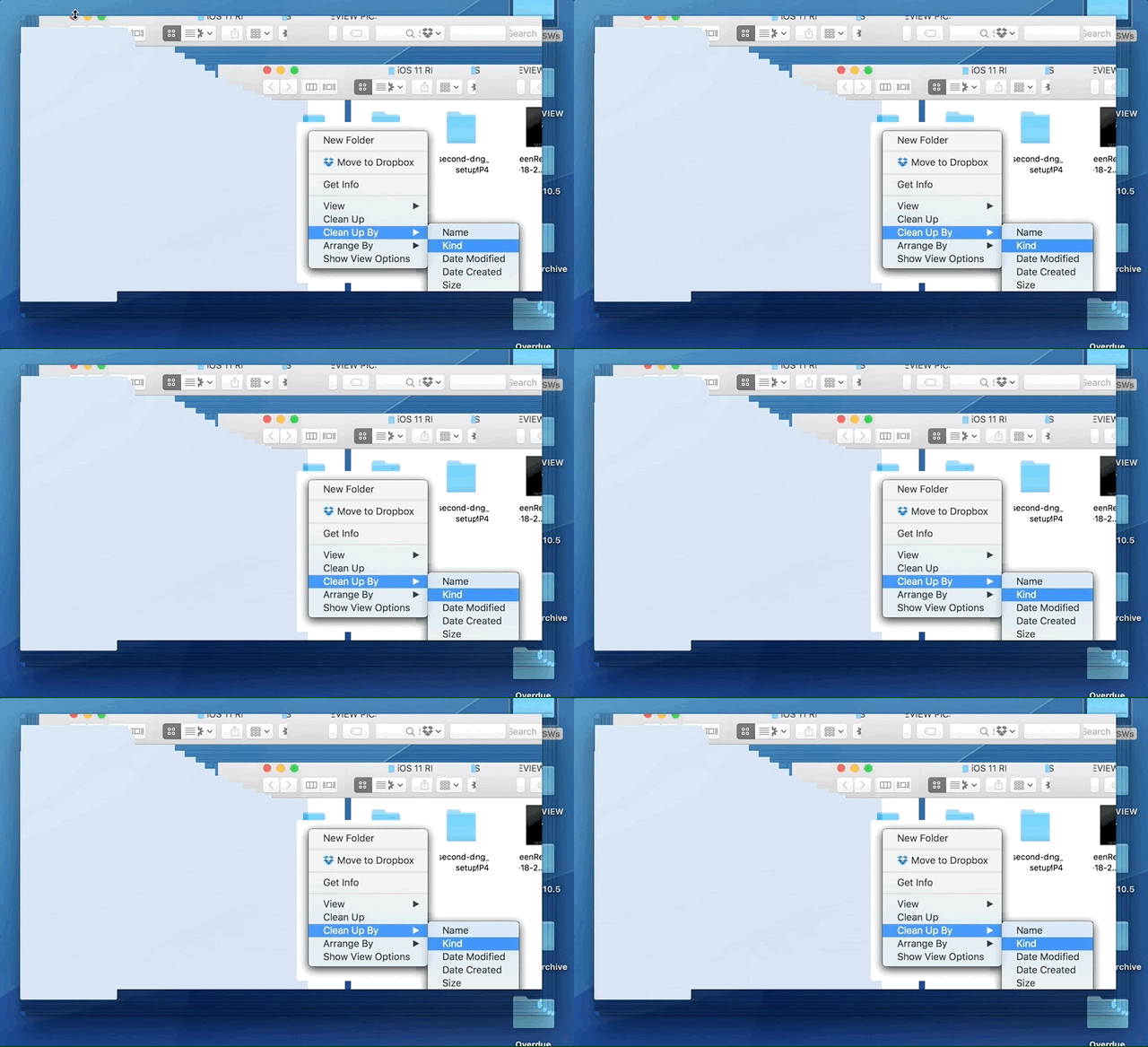
You shouldn't be. This is an actual GIF from the Ars Technica review of High Sierra: https://cdn.arstechnica.net/wp-content/uploads/2017/09/Sep-2...
Re:Leaving htop running freezes macOS High Sierra
by afandian on Saturday January 06, 2018 @11:20AM
(#16085874)
There's a certain amount of selection bias.
I've had over the years a 2005 PowerBook G4, three 2010ish MacbookPros, a 2014 MacBook Air and a 2016 MacBook Pro. All have occasionally hung on a blank screen after lid open. The latest routinely forgets Dell screens (two identical ones at once) and I have to replug them.
Otherwise, no issues (except random kernel panics). Like brains, I'm astonished that they work at all, let alone work so well. Of course I'd like something bulletproof, but Apple doesn't seem to be able to make one.
I’m assuming I’m an outlier because I see this in almost every thread that mentions MacBooks and I am real curious how it manifests.
Edit: reading further comments it sounds like possibly the monitors use the same edids? Wonder if you can check that easily.
I’ve almost always used Dell monitors fwiw.