RaecKK
- Install Gimp
- Download the original Nasa image linked here: http://mars.jpl.nasa.gov/msl-raw-images/msss/00184/mcam/0184...
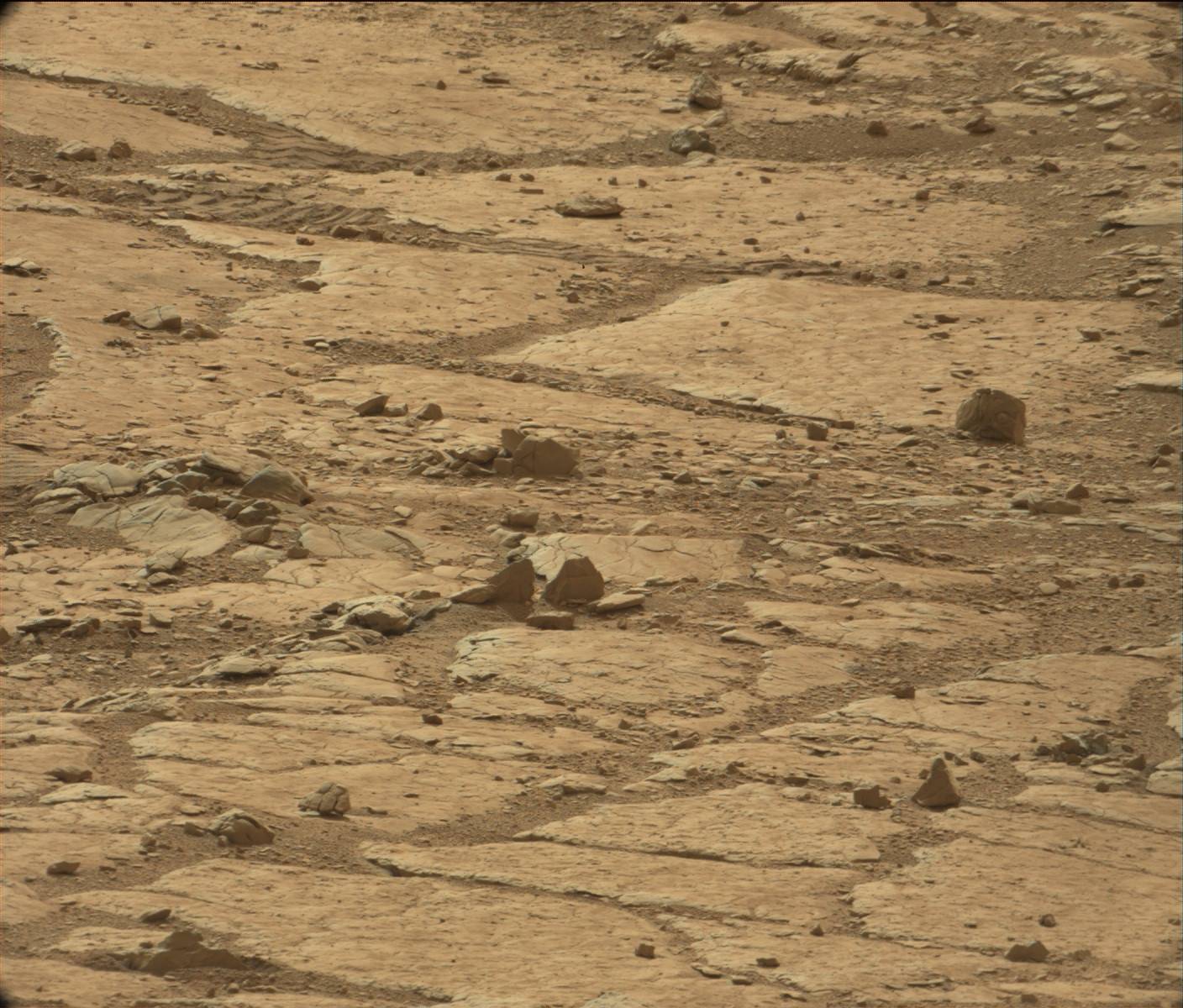
- Open the picture with Gimp. Crop out the face. Under the image tab, choose scale image. Scale the image to 300 percent of original size. There is an interpolation option when scaling the image. You have to choose Sinc Lancoz 3 because that is the interpolation option that will preserve the data in the jpeg pixels. If you choose cubic or linear it will be lost.
- Under the colors tab, open curves. NASA obscured this image by destroying it's dynamic content, so you will need to expand what is there by pulling the line to perfectly match the top and bottom of the image data. This will render the jpeg blocks and show you the image data they contain.
- Under the filters tab, mouse over enhance and choose the last option "Unsharp mask". Apply unsharp mask twice with the default settings. The picture will become clear enough to show.
Zoom in all the way, scroll up and to the right as far as possible, then scroll down just a tiny bit and look at the rock. That rock has a face on it? Definitely a WTF from me.
I am so tired of seeing visual evidence dismissed by people who refuse to even consider it if it's not endorsed by some large "respectable" institution. You mean to say this rock is just a naturally occuring anomaly? Really?
    template mysum{a = @[]}(a: seq[int]): int = 0
    template mysum{a}(a: seq[int]): int =
      while a.low <= a.high:
        a[a.low] + mysum(a[a.low + 1 .. a.high])

    var x: seq[int] = @[1, 2, 3]

echo mysum(x)Does anyone know of any interesting projects using Nim?